
The question only ever matters at the wrong moment. It is 4:58 pm, the clerk’s cutoff is 5, and the question is not “did I send it” but “did they get it.” That gap is what fax confirmation closes. It is the small piece of evidence your machine or your online service hands back once each page has been acknowledged on the other end, and it is the reason fax keeps showing up where the paperwork has to show up: benefits forms, prescriptions, filings with a filing deadline. The term also travels under fax delivery confirmation; both mean the same thing. Below are the three signals a traditional machine will give you, and the three an online service will give you, with the thing each one actually proves.
- What is a fax confirmation?
- Confirmations from a physical fax machine
- Confirmation from an online fax service
What is a fax confirmation?
A fax confirmation is the receipt your fax machine, or your online fax service, hands back after it finishes talking to the receiving machine. It records that the handshake completed and that each page was acknowledged. It is not a reading receipt: it tells you the pages arrived at the other machine, not that a human has picked them up off the tray.
How to confirm a fax was received?
You can confirm that a fax was received by checking the confirmation message on the machine’s LCD screen, a printed confirmation page, or the fax journal. Online services usually show a confirmation page in the browser and send a matching email once the transmission completes.
A fax was confirmed but not received. What happened?
If a fax was confirmed but not received, it is almost always something on the receiving end: a paper jam, an empty tray, low toner, or a stalled queue on the recipient’s server. The confirmation says the pages reached the other machine; it does not promise someone has walked over to collect them. Resend if the recipient asks, and verify by phone.
How long does it take to receive a fax confirmation?
For a successful fax, the confirmation is near-instant: the sending machine prints or displays it the moment the receiving machine signals the final page is in. The exception is a stuck transmission that is still redialing. Most machines and services try again two or three times on a busy line before marking the fax failed; during those retries, you wait. If a confirmation has not appeared ten to fifteen minutes after you sent, treat the send as failed and check the number.
For more details, check out our article on How long does it take to send a fax?.
Confirmations from a physical fax machine
When using a traditional fax machine, you’ll typically receive confirmation of a successful fax transmission in one of three ways:
1. LCD screen confirmation
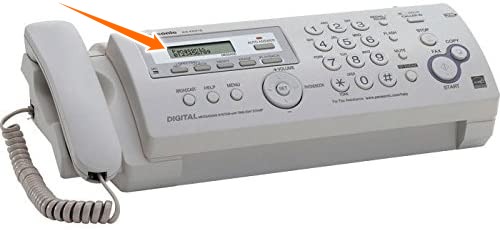
Fax Machine LCD Display, Image: Amazon.com
The fax machine’s LCD screen will display the progress of the fax transmission, including page transitions and duration. Once the fax is complete, the machine will show a brief confirmation message indicating whether the fax was successfully sent.
2. Printed confirmation page
Fax machines can be set up to print confirmation reports automatically for each fax you send. This will come out on its own individual sheet.
Normally, to save on paper, fax machines are set to issue such a page only if there’s a problem sending or receiving a fax. But most fax machines can either disable this feature completely or enable it for all transaction results.
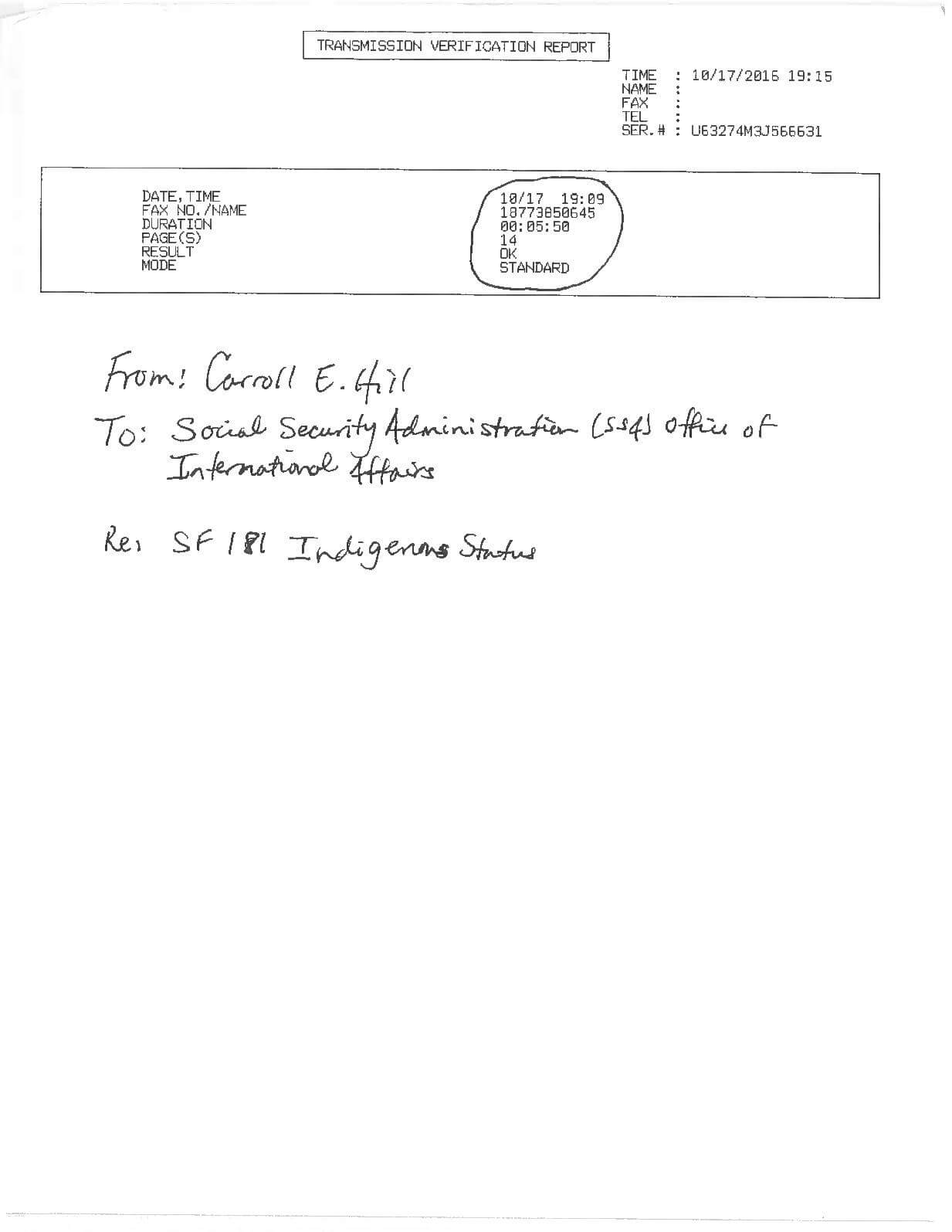
Some fax machines will only print a little box with some details on the page. Others will include the entire first page of the transmitted fax, as in the example shown below.
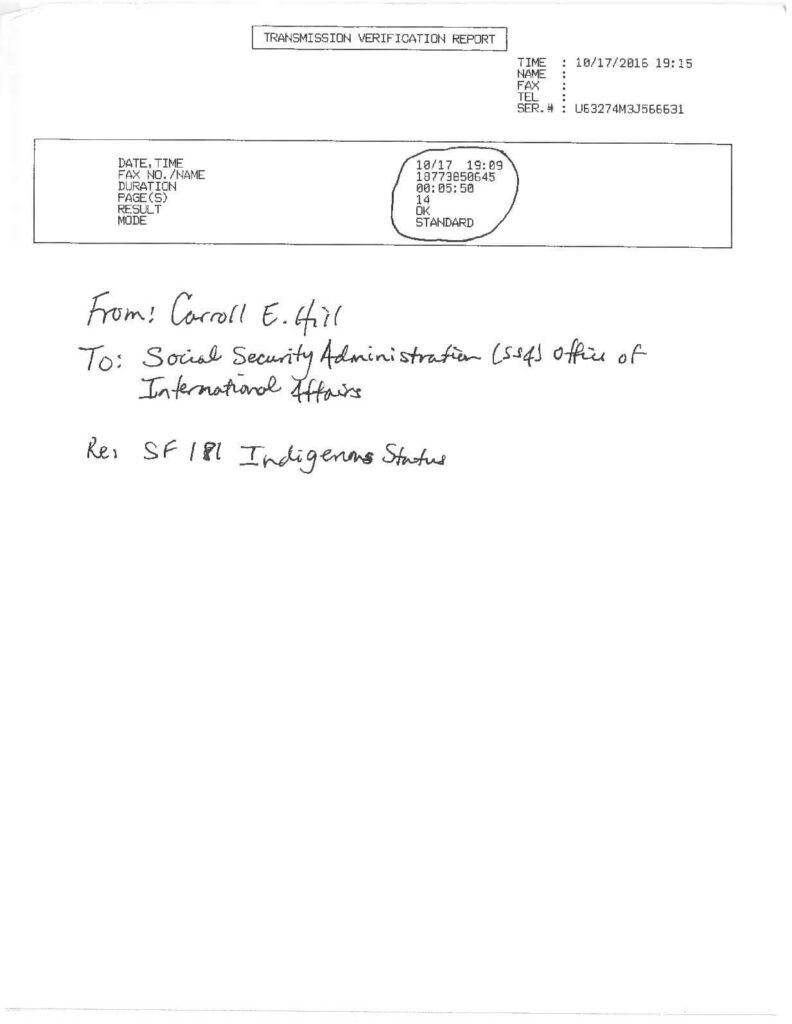
Fax Confirmation, Image: Calameo
3. Fax report or journal
Fax machines can print a log of faxes that have been sent (and received) over a recent time interval. These reports, also known as “journals” or “logs,” provide a record of all faxes sent and received over a certain period of time. A journal typically looks like this:
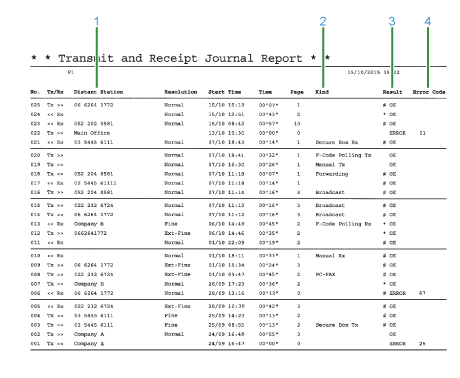
Fax Journal Report, Image: OKI
Confirmation from an online fax service
When sending a fax using an online fax service, you will typically receive confirmation in one of the following ways:
1. Online confirmation page
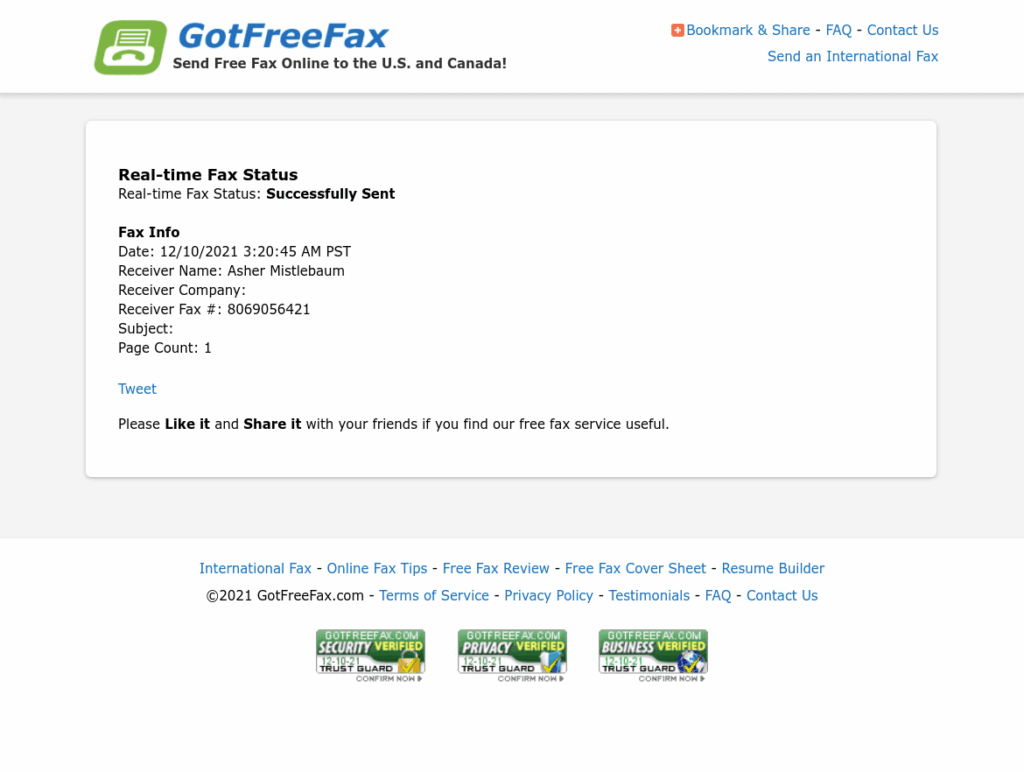
After submitting a fax online, the provider may direct you to a status tracking page. This page will update to a confirmation page once the fax has been sent.
Here’s what GotFreeFax‘s confirmation page looks like:
GotFreeFax Web Confirmation
2. Confirmation email
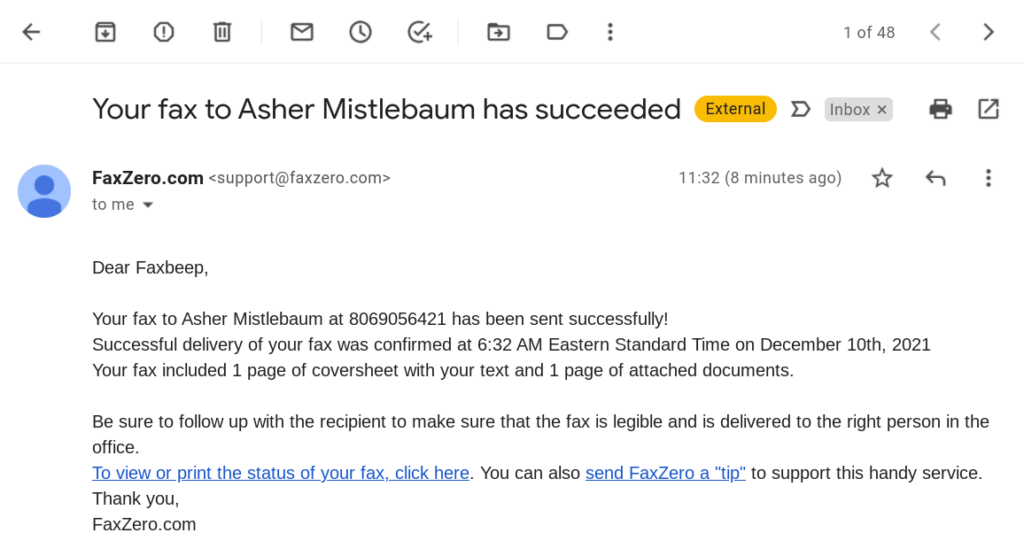
Most online fax services have a feature where they’ll email you a confirmation with all the details of the fax that you sent, once it’s complete. Here’s what faxZERO‘s confirmation email looks like:
3. Status call or callback for developers
For developers, online fax services provide a status response or make a callback to your endpoint to confirm a successful fax transmission. We won’t dive into the details of this, but here are links to how three providers do this:
- Developers can check the delivery status of a PayPerFax fax through the PayPerFax API. See the PayPerFax check-status reference for the details.
- Documentation of the Phaxio web callback mechanism
- Documentation of the InterFAX status retrieval method