Reviews

Top Pay-As-You-Go Fax Services

Fax technology remains a trusted method for official document submissions to government agencies, regulatory bodies, legal firms, and industries with strict compliance requirements where digital signatures or email may not meet official standards. For users who need occasional faxing, traditional services often impose unnecessary barriers – inaccessible equipment, long-term contracts, and complex setups.

With hundreds of online fax services available, finding a reliable, cost-effective solution can feel overwhelming. Our mission: cut through the noise and find the most user-friendly pay-as-you-go fax services for occasional users.

What we looked for

No registration required

We focused exclusively on services that allow immediate fax sending without account creation, email verification, or personal data collection – one less password to remember.

True pay-per-use with no commitments
We dismissed services with mandatory subscriptions or ongoing commitments. You should be able to send a single fax, pay for it, and walk away.

High user satisfaction scores

We prioritized services with strong third-party ratings and positive user reviews, indicating reliable service
and good customer experience.

Transparent, fair pricing
We looked for services with clear upfront costs and honest billing practices, ideally only charging for successfully delivered faxes.

Detailed Service Reviews

Beyond the numbers, we’ve conducted an in-depth analysis of the top pay-as-you-go fax services. Each review below breaks down pricing, features, and unique advantages to help you find the perfect solution for your occasional faxing needs.

  • PayPerFax.com

    • Only charges for successful faxes – Failed transmissions cost nothing
    • International coverage – Send to 130 countries worldwide
    • Live fax tracking – Web screen or browser extension provide instant status notifications
    • Native Google Drive and Dropbox integrations – Right-click any document in Google Drive or Dropbox to send it as a fax, no download required
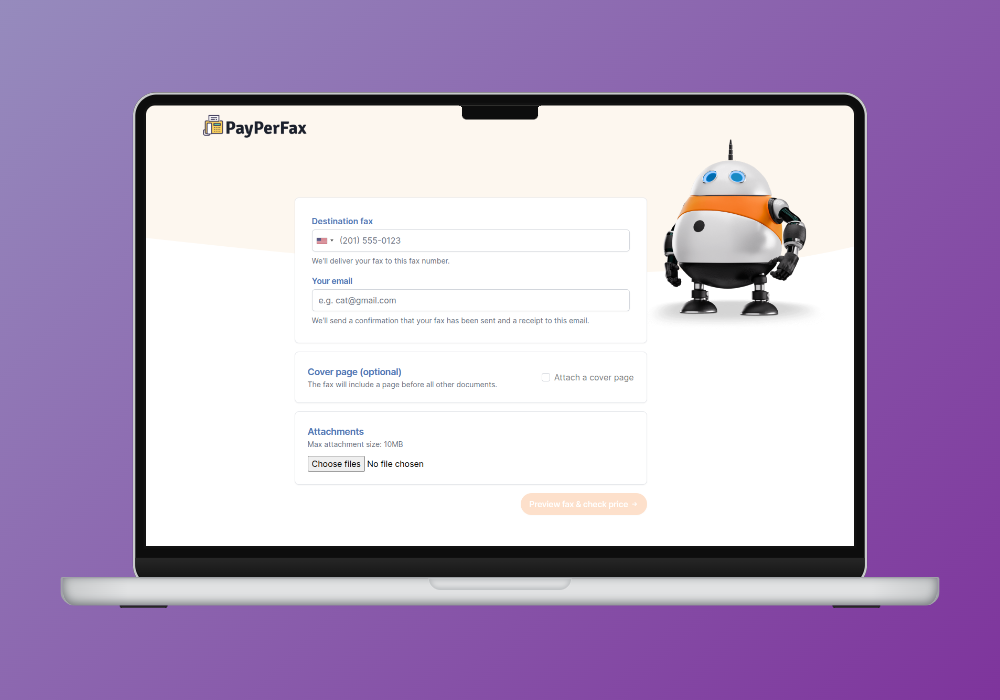
    PayPerFax send-a-fax interface

    PayPerFax stands out as the highest-rated pay-per-use fax service, combining transparent pricing ([price] for up to [price type=batch_size] pages, [price type=additional_page] per additional page) with a risk-free guarantee that you only pay for successfully delivered faxes. The browser-based platform works seamlessly across all devices without app downloads, supports multiple file formats (PDF, DOCX, DOC, JPG), and delivers clean, professional faxes without advertising or branding to 130 countries worldwide, making it ideal for legal professionals, healthcare providers, and anyone requiring reliable occasional fax capabilities with global reach.

  • Runner Up

    Faxonline.app

    Faxonline.app

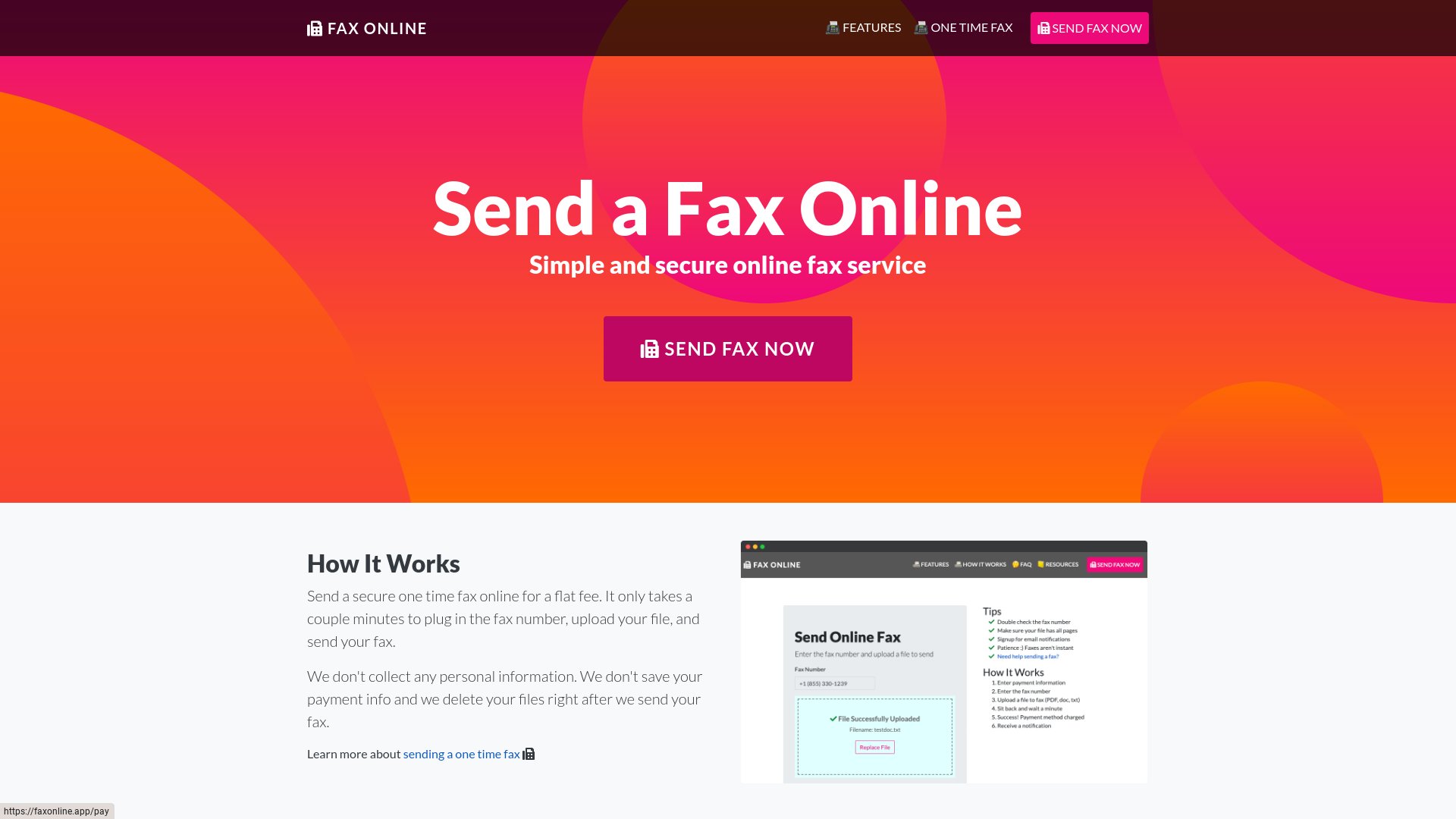
    Faxonline.app is a privacy-focused online fax service with a distinctive pricing model: a flat $7 per fax regardless of page count. It positions itself around no-data-collection, SSL-encrypted transfer, and automatic file deletion after transmission. The mobile-optimized web flow works on iOS and Android browsers without an app install.

    For senders with a single privacy-sensitive page and a comfort level with the flat-fee math, Faxonline.app delivers what it promises. For senders sending a one-page non-sensitive fax (where $7 is overkill) or a long document (where flat-fee pricing punishes brevity), PayPerFax is the most common Faxonline.app alternative. This article compares the two so you can pick the right tool for the fax in front of you.

    Faxonline.app's web sending interface

    When Faxonline.app is the right choice

    Faxonline.app is designed around a privacy-conscious sender willing to pay a premium for explicit no-data-collection policies.

    Faxonline.app makes sense if you:

    • Are sending a document where privacy policies matter more than per-page price
    • Want explicit, auditable "no personal data collection" handling
    • Are sending one to four pages (the flat $7 makes more sense on a longer single fax than on a one-pager)
    • Do not need live transmission tracking
    • Are happy with a minimal web flow

    For that profile, the flat fee plus privacy stance is the explicit value proposition.

    What Faxonline.app actually offers

    • Pricing model: Flat $7 per fax, regardless of page count.
    • Privacy positioning: Stated no personal data collection. SSL encryption on transfer. Automatic file deletion after the fax is sent.
    • Mobile-optimized: Works on iOS and Android browsers without an app install.
    • Account required: No (one-off send model).
    • File-format support: PDF and a few image formats.
    • Cover page: Minimal, no branding.

    Where Faxonline.app stops making sense

    The flat-fee pricing is the headline feature, and it is also where most senders find friction.

    $7 for one page is expensive

    At a flat $7, a single-page fax costs the same as a five-page fax. Compared to a per-page service that charges [price] for a one- to three-page fax, that is three to four times the cost for a short send. Unless privacy or anonymity is the reason you are choosing the service, the math does not work for short faxes.

    The privacy story is good marketing, but most senders do not need it

    SSL encryption is standard on every reputable fax service in 2026. Automatic file deletion after transmission is also common. The "no personal data collection" pitch is real but only material if your threat model specifically requires it. Most senders are sending a fax to their dentist or their lender, not transmitting documents they need to remain anonymous about.

    No live transmission tracking

    Faxonline.app confirms delivery by email after the send. There is no live status screen during transmission.

    Limited international coverage

    The country list is narrower than the largest global providers. If your destination is outside the supported set, Faxonline.app is not an option.

    Minimal feature set beyond the flat fee

    There is no multi-document support, no cloud integration, no document editing, no live tracking. The product is intentionally minimal. For senders who want any of those features, the flat fee is a high price for a stripped-down flow.

    Limited brand recognition

    Faxonline.app is one of the smaller services in the PAYG market. Third-party reviews are thin compared to the larger names.

    PayPerFax: the per-page, full-feature alternative

    PayPerFax send-a-fax interface, the Faxonline.app alternative

    PayPerFax is a pay-as-you-go online fax service. You upload a document, enter a fax number, pay [price] for the first [price type=batch_size] pages (then [price type=additional_page] for each additional page), and send. There is no account to create, no subscription, and no flat per-fax fee that punishes short documents.

    The points that matter most when comparing PayPerFax to Faxonline.app:

    You only pay when the fax delivers. If the line is busy or the number is wrong, you pay nothing. The charge fires only on successful delivery.

    Per-page billing, not $7 per fax. A one-page fax costs [price]; a three-page fax also costs [price] (covered by the same first-batch fee). The per-page model after that means you only pay for what you actually send.

    Live fax tracking. Status updates appear on screen as the fax transmits. An optional browser extension keeps tracking running in the background.

    130+ country coverage. PayPerFax sends to over 130 destinations. Per-page pricing is shown up front for each destination.

    Wider file-format support. PayPerFax handles PDF, DOCX, DOC, JPG, and PNG.

    Mobile-friendly. The whole flow works from a phone browser.

    No ads on the fax. PayPerFax does not add anything to the cover page.

    Highest-rated pay-as-you-go fax service. PayPerFax is the top-rated pay-per-use fax service by user reviews.

    Native Google Drive and Dropbox integrations. Right-click any PDF, DOC, DOCX, JPG, or TIF file in Google Drive or Dropbox and send it as a fax. Install once via the Google Workspace Marketplace or Dropbox OAuth.

    What PayPerFax does not do is worth saying too:

    • No explicit "no personal data collection" badge. PayPerFax handles documents through industry-standard secure channels but does not lead with a privacy-positioning headline. If a specific no-data-collection policy is critical to your use case, evaluate carefully.
    • No incoming fax number. PayPerFax is for sending only.

    Faxonline.app vs PayPerFax at a glance

    Comparison point Faxonline.app PayPerFax
    Pricing model Flat $7 per fax [price] for the first [price type=batch_size] pages, then [price type=additional_page] per page
    1-page fax cost $7.00 [price]
    5-page fax cost $7.00 $3.50
    International destinations Limited 130+ countries
    Live transmission status Email only Live on-screen + extension
    File-format support PDF, limited images PDF, DOCX, DOC, JPG, PNG
    Account required No No
    Charges for failed faxes Varies Free, only delivered faxes are billed
    Cover-page ads No No

    Which one should you choose?

    The decision splits on per-fax length and privacy posture.

    Faxonline.app is the better fit if:

    • An explicit no-personal-data-collection policy is critical for your use case
    • You are sending around four to six pages (where the flat $7 is competitive with per-page rates)
    • You want a minimal feature set without extra options to consider

    PayPerFax is the better fit if:

    • Your fax is one, two, or three pages (where flat $7 is roughly two to five times the per-page rate)
    • The destination is outside Faxonline.app’s country list
    • You want live transmission tracking, not an email after the fact
    • You want broader file-format support (Word documents and image formats)
    • You only want to pay when the fax actually delivers

    Neither service is strictly better. Faxonline.app does flat-fee privacy-positioned fax for a narrow use case. PayPerFax does general-purpose pay-as-you-go fax for almost everyone else.

    Other Faxonline.app alternatives

    If you are shopping the broader market, the other realistic options split into pay-as-you-go and subscription:

    • FaxZero offers a free domestic tier (3 pages, US/Canada) with cover-page ads. Right for one-off personal faxes that fit the cap.
    • eFax is the largest subscription provider. Plans start around $14.99/month and include an incoming fax number.
    • RingCentral Fax bundles fax with a full business phone system.
    • HumbleFax is a smaller subscription with pooled inbound and outbound page allowances.
    • Dropbox Fax (the rebrand of HelloFax) advertises a free page, but that page is once per Dropbox account — not a free tier. After that, faxing rolls into a Dropbox plan.
    • MyFax, MetroFax are all subscription services in the $10 to $25/month range.

    The pattern: every subscription service has a monthly fee that does not go away whether you fax or not. If you fax fewer than around 12 pages per month, a pay-as-you-go option (PayPerFax) is cheaper than any of these. If you fax much more than that and need an incoming number, a subscription starts to make sense.

    Sending a one-page fax without the flat fee

    If you need to send a one-page or two-page fax right now and a flat $7 charge is too much for the document in front of you, you can do it at payperfax.com without creating an account. Upload the document, enter the fax number, and send. The charge ([price] for the first [price type=batch_size] pages, then [price type=additional_page] per additional page) applies only if the fax delivers. For more on how this works, see our guide to sending a one-time fax online.

  • Runner Up

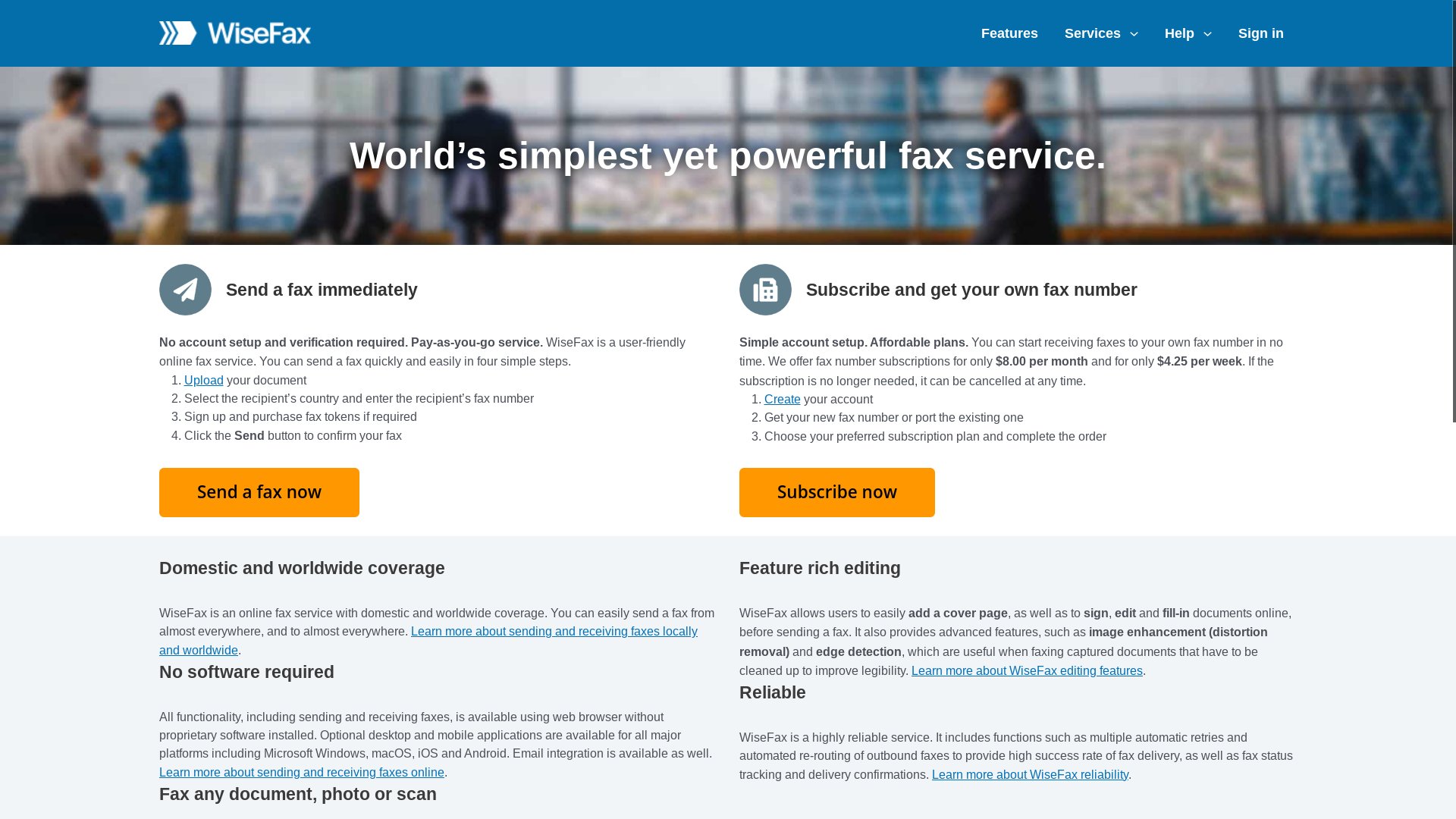
    WiseFax

    WiseFax

    WiseFax is a pay-per-fax service built around a token system and a list of cloud and productivity integrations. You sign in (or use a social login), buy a small token package, and send a fax that gets debited against your balance. It supports a wide range of file formats, has browser extensions for Chrome and Edge, and ties into Google Drive, Dropbox, Box, Google Docs, Microsoft Office 365, and Gmail.

    For users who already live inside one of those cloud ecosystems and send faxes often enough to think in token packs, that mix can work well. For everyone else, the prepay and account-login model can feel heavier than the fax actually warrants. PayPerFax is the most common no-login, no-prepay WiseFax alternative. This article walks through both so you can pick the right one for the fax in front of you.

    WiseFax's web sending interface

    When WiseFax is the right choice

    WiseFax is designed around a regular sender who wants tight integration with cloud storage and is comfortable buying credits up front.

    WiseFax makes sense if you:

    • Send faxes from Box or Microsoft Office 365 on a regular basis (PayPerFax has its own native integrations for Google Drive and Dropbox, so those are not WiseFax-only)
    • Want a native "Send to WiseFax" menu item inside those services
    • Are happy to sign in with Google or another social account
    • Do not mind pre-buying token packs and tracking a balance
    • Send to a wide range of countries and want a single global rate

    If that profile fits, the token economics can be reasonable, and the cloud integrations remove a couple of clicks from each send.

    What WiseFax actually offers

    • Pricing model: Pay-per-fax token system. You buy a token pack (smallest packs cover a handful of pages), then each fax debits tokens based on destination and page count. International destinations cost more tokens.
    • Cloud and productivity integrations: Google Drive, Dropbox, Box, Google Docs, Microsoft Office 365, and Gmail.
    • Browser extensions: Chrome and Edge extensions add a "Send by fax" option inside Gmail and other web apps.
    • File-format support: PDF, DOC, DOCX, XLS, XLSX, PPT, PPTX, JPG, PNG, TIFF, plus Apple iWork and OpenDocument formats.
    • International coverage: Wide country list. Token cost per page varies by destination.
    • Document tools: Light in-browser editing, contrast adjustment, and edge detection for scanned pages.
    • Account required: Yes, either by email signup or social login.

    Where WiseFax stops making sense

    The features WiseFax leans on are also where most senders run into friction with it.

    The token system rewards heavy use, not occasional use

    Tokens are bought in packs, and the smallest pack still pre-pays for more pages than a one-off sender will use. If you fax once or twice a year, you end up sitting on unused token balance, or coming back later to find the pack rules have shifted. For genuinely occasional senders, prepay is the wrong shape.

    You have to sign in

    Even for one fax, WiseFax expects an account. Social logins help, but they still tie the fax to an identity and to the cloud services you connect. If your goal is to send a single fax with as little setup as possible, the login step is friction you do not need.

    Per-page cost depends on destination tier

    International faxes draw down more tokens than domestic ones, and the per-page math is not always obvious before you commit. The token system trades a single transparent dollar number for a destination-by-destination conversion you have to work out.

    The cloud integrations only matter if you use them

    WiseFax’s standout pitch is its cloud-integration list. Google Drive and Dropbox are also covered by PayPerFax (via the Google Workspace Marketplace and Dropbox OAuth), so the WiseFax-exclusive integrations come down to Box and Microsoft Office 365. If you fax weekly from one of those, that matters. If your document is already on your computer, in Drive, or in Dropbox, the integration adds nothing, and the rest of the WiseFax flow still carries the prepay-and-login overhead of any account-based service.

    No live progress tracking

    Once you send, WiseFax confirms by email. There is no live status screen you can leave open to watch the fax connect and complete. For senders who like to know in real time whether the fax has actually gone through, this is a step backward from services that show live transmission status.

    PayPerFax: the no-token, no-login alternative

    PayPerFax send-a-fax interface, the WiseFax alternative

    PayPerFax is a pay-as-you-go online fax service. You upload a document, enter a fax number, pay [price] for the first [price type=batch_size] pages (then [price type=additional_page] for each additional page) on the spot, and send. There is no account to create, no token pack to buy, and no subscription to manage.

    The points that matter most when comparing PayPerFax to WiseFax:

    You pay per fax, not per token pack. [price] for the first [price type=batch_size] pages, then [price type=additional_page] for each additional page, charged on send. There is no balance to top up and no leftover credit to lose track of. If you only send one fax, you only pay for one fax.

    You only pay when the fax delivers. If the recipient line is busy or unreachable, you pay nothing. The charge fires on successful delivery, which removes the risk of paying for a token-debit on a transmission that never landed.

    No account, no login. You do not need a Google account, a Dropbox account, or even a PayPerFax account. Upload, pay, send. The whole flow is anonymous up to the payment step.

    No cover-page ads. PayPerFax does not add anything to the cover page. The document you send is the document the recipient sees.

    Live fax tracking. PayPerFax shows live transmission status on screen or through a browser extension, so you can confirm delivery as it happens rather than waiting for an email later.

    Mobile-friendly. The whole flow works from a phone browser, top to bottom. No app, no extension required.

    International coverage to 130 countries. Per-page pricing is shown up front for each destination, so you can see the total before you hit send.

    Native Google Drive and Dropbox integrations. Right-click any PDF, DOC, DOCX, JPG, or TIF file in Google Drive or Dropbox and send it as a fax in seconds. Install once via the Google Workspace Marketplace or Dropbox OAuth – no per-fax login after that.

    Highest-rated pay-as-you-go fax service. PayPerFax is the top-rated pay-per-use fax service by user reviews.

    What PayPerFax does not do is worth saying too:

    • No native menu item inside Box or Microsoft Office 365. PayPerFax covers Google Drive and Dropbox, but not the rest of WiseFax’s integration list. If you fax weekly from Box or Office 365 and the in-app menu item is your main reason for using WiseFax, PayPerFax does not replicate that workflow.
    • No incoming fax number. PayPerFax is send-only. If you need a number that others can fax to, you need a subscription service.

    WiseFax vs PayPerFax at a glance

    Comparison point WiseFax PayPerFax
    Pricing model Token packs (prepay) [price] for the first [price type=batch_size] pages, then [price type=additional_page] per page
    Account required Yes (email or social) No
    Cloud integrations Google Drive, Dropbox, Box, Microsoft Office 365 Google Drive, Dropbox
    Browser extension Chrome, Edge Optional (status tracking)
    Cover-page ads No No
    International destinations Wide list, variable token cost 130+ countries, transparent per-page
    Live transmission status Email confirmation only Live status on screen
    Charges for failed faxes Tokens may be debited Free, only delivered faxes are billed
    Cancellation Nothing to cancel Nothing to cancel

    Which one should you choose?

    The decision splits cleanly.

    WiseFax is the better fit if:

    • You fax from Box or Microsoft Office 365 on a regular basis (Google Drive and Dropbox are covered by PayPerFax too)
    • The in-app "send by fax" menu item inside one of those services saves you real time each week
    • You are comfortable buying a token pack and tracking a balance
    • You want one tool that covers cloud storage, light editing, and faxing in one place

    PayPerFax is the better fit if:

    • You only fax occasionally and prepaying for tokens does not make sense
    • You do not want to create an account or sign in for one-off faxes
    • The document is on your computer, in Google Drive, or in Dropbox (PayPerFax covers all three)
    • You want to see live status as the fax transmits
    • You only want to pay when the fax actually delivers
    • The destination is international and you want a clear per-page price before hitting send

    Neither service is strictly better. WiseFax is the right tool for a sender who lives inside Box or Microsoft Office 365 and faxes often. For everyone else in the pay-as-you-go space – including Google Drive and Dropbox users – PayPerFax is the right tool.

    Other WiseFax alternatives

    If you are shopping the broader market, the other realistic options split into pay-as-you-go and subscription:

    • FaxZero offers a free domestic tier (3 pages, US/Canada) with cover-page ads. Right for one-off personal faxes that fit the cap.
    • eFax is the largest subscription provider. Plans start around $14.99/month and include an incoming fax number.
    • RingCentral Fax bundles fax with a full business phone system. Right for offices, overkill for one-off senders.
    • HumbleFax is a smaller subscription with pooled inbound and outbound page allowances.
    • MyFax and MetroFax are subscription services in the $10 to $25/month range.
    • Dropbox Fax (the rebrand of HelloFax) advertises a free page, but that page is once per Dropbox account — not a free tier. After that, faxing rolls into a Dropbox plan.

    The pattern: every subscription service has a monthly fee that does not go away whether you fax or not. If you fax fewer than around 12 pages per month, a pay-as-you-go option (PayPerFax) is cheaper than any of these. If you fax much more than that and need an incoming number, a subscription starts to make sense.

    Sending a fax without a token pack

    If you need to send a fax right now and WiseFax’s token system, account requirement, or cloud-integration friction are getting in the way, you can do it at payperfax.com without creating an account. Upload the document, enter the fax number, and send. The charge ([price] for the first [price type=batch_size] pages, then [price type=additional_page] per additional page) applies only if the fax delivers. For more on how this works, see our guide to sending a one-time fax online.

  • Runner Up

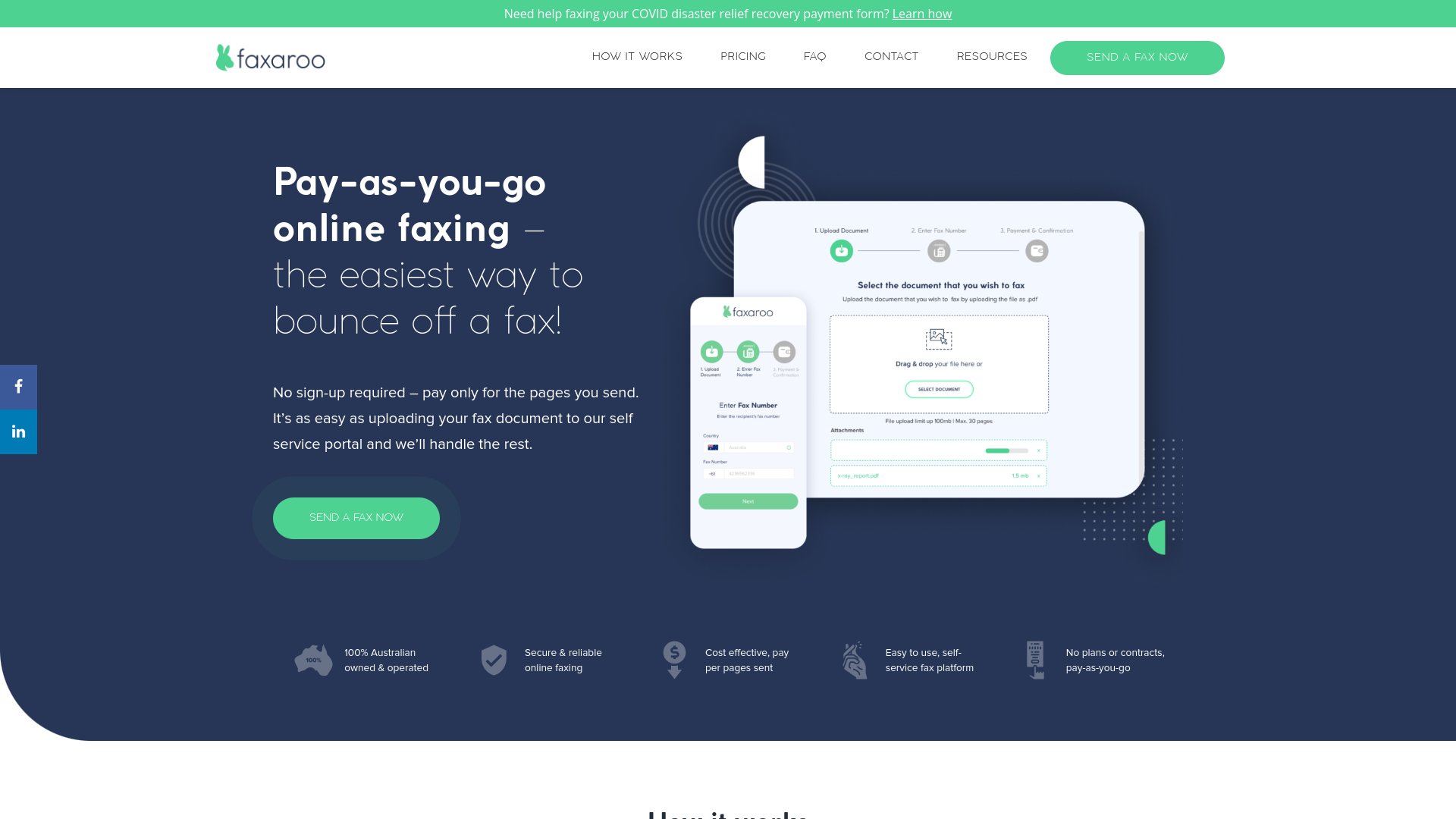
    Faxaroo

    Faxaroo

    Faxaroo is a pay-per-page online fax service with a clean, image-friendly interface and a small but useful international footprint. The first page costs about $2.00 and each additional page is around $1.50. It supports image formats well (PDF, JPEG, PNG, GIF) and displays an ISO security badge on its checkout flow.

    For occasional senders shipping a photo or scanned page to a recipient in one of Faxaroo’s supported countries, it does the job. For senders who need wider international reach, lower per-page pricing on multi-page documents, or live delivery tracking, PayPerFax is the most common Faxaroo alternative. This article compares the two so you can pick the right one for the fax in front of you.

    Faxaroo's web sending interface

    When Faxaroo is the right choice

    Faxaroo is designed around an occasional sender with a short, mostly image-based document headed to one of a handful of supported countries.

    Faxaroo makes sense if you:

    • Are sending a one-page or two-page fax to the US, Canada, Australia, Germany, or Japan
    • Are sending mostly images (a scanned ID, a photo, a form with handwriting)
    • Want a clean, no-account web flow without installing anything
    • Are not bothered by the higher first-page price because the document is short
    • Do not need live transmission tracking

    For that profile, Faxaroo’s pricing is workable and its image rendering tends to be reliable.

    What Faxaroo actually offers

    • Pricing model: Pay-per-page, roughly $2.00 for the first page and $1.50 per additional page. No subscription.
    • File-format support: PDF, JPEG, PNG, GIF. Strong on image formats.
    • International coverage: A short list of countries including the US, Canada, Australia, Germany, and Japan. Not the global coverage some competitors offer.
    • Account required: No (one-off send model).
    • Security: ISO security badge displayed on the checkout flow.
    • Mobile-responsive: Web flow works on phones.

    Where Faxaroo stops making sense

    The shape of Faxaroo’s pricing and country list is also where most senders bump into it.

    The country list is short

    The supported destinations cover a reasonable chunk of business fax traffic, but the list leaves out a long tail. If your recipient is not in one of Faxaroo’s supported countries, the service is not an option at all.

    The first-page price is high

    At about $2.00 for the first page, Faxaroo is one of the more expensive PAYG services on a one-page fax. The per-additional-page price drops to about $1.50, which keeps short multi-page faxes in budget, but the front-loaded structure means a one-page fax pays a premium.

    No live transmission tracking

    Faxaroo confirms delivery by email after the fax sends. There is no live screen showing whether the fax has connected and completed. For senders who want to know in real time whether the document landed, that is a step backward from services that show live status.

    Limited file-format set

    PDF, JPEG, PNG, and GIF is fine for images but misses the document formats most office workflows use. There is no native support for DOCX, XLS, PPT, or RTF. If your document is a Word file, you need to convert it to PDF first.

    Brand awareness is limited

    Faxaroo is one of the smaller services in the PAYG market. There is less third-party review coverage, fewer help-desk resources, and less long-term track record to lean on. For one-off faxes that matters less, but it shows up when something goes wrong and you want to find help.

    PayPerFax: the wider-coverage, live-tracking alternative

    PayPerFax send-a-fax interface, the Faxaroo alternative

    PayPerFax is a pay-as-you-go online fax service. You upload a document, enter a fax number, pay [price] for the first [price type=batch_size] pages (then [price type=additional_page] for each additional page), and send. There is no account to create, no subscription to manage, and nothing to cancel.

    The points that matter most when comparing PayPerFax to Faxaroo:

    You only pay when the fax delivers. If the recipient line is busy or the number is wrong, you pay nothing. The charge fires only on successful delivery.

    Cheaper on every fax above one page. A three-page fax on PayPerFax stays at the base [price] charge (covered by the first-batch bundle). On Faxaroo the same fax is $5.00 ($2.00 first page + $1.50 each for the next two). A five-page fax stays inside the same base bundle plus two extra pages on PayPerFax versus $8.00 on Faxaroo. The gap widens with every page.

    130+ country coverage. PayPerFax sends to over 130 destinations, including the full EU, the UK, the rest of Latin America, and most of Asia and Africa. Per-page pricing is shown up front for each destination.

    Live fax tracking. Status updates appear on screen as the fax transmits. An optional browser extension keeps tracking running in the background.

    Wider file-format support. PayPerFax handles PDF, DOCX, DOC, JPG, and PNG. If your document is a Word file, you can upload it directly.

    No ads on the fax. PayPerFax does not add anything to the cover page. The document you send is the document the recipient sees.

    Mobile-friendly. The whole flow works from a phone browser, top to bottom.

    Highest-rated pay-as-you-go fax service. PayPerFax is the top-rated pay-per-use fax service by user reviews.

    Native Google Drive and Dropbox integrations. Right-click any PDF, DOC, DOCX, JPG, or TIF file in Google Drive or Dropbox and send it as a fax. Install once via the Google Workspace Marketplace or Dropbox OAuth.

    What PayPerFax does not do is worth saying too:

    • It is not free for a single page. [price] is the entry charge among the highest-rated PAYG services, but it is not zero. If you have a free service that fits your use case, that will still be cheaper.
    • No incoming fax number. PayPerFax is for sending only. If you need a number that others can fax to, you need a subscription service.

    Faxaroo vs PayPerFax at a glance

    Comparison point Faxaroo PayPerFax
    Pricing model $2.00 first page + $1.50/page after [price] for the first [price type=batch_size] pages, then [price type=additional_page] per page
    3-page fax cost $5.00 [price]
    5-page fax cost $8.00 $3.50
    International destinations Short country list 130+ countries
    File-format support PDF, JPEG, PNG, GIF PDF, DOCX, DOC, JPG, PNG
    Account required No No
    Live transmission status Email only Live on-screen + extension
    Cover-page ads No No
    Charges for failed faxes Varies Free, only delivered faxes are billed
    Cancellation Nothing to cancel Nothing to cancel

    Which one should you choose?

    The decision splits cleanly.

    Faxaroo is the better fit if:

    • You are sending one or two pages, mostly images, to a destination on Faxaroo’s supported list
    • The first-page premium is acceptable because the document is short
    • You do not need live tracking or a Word/Excel-friendly file upload

    PayPerFax is the better fit if:

    • The destination is outside Faxaroo’s country list (most of the world)
    • You want the cheaper total cost on any fax above a single page
    • The document is a Word or Excel file
    • You want live transmission tracking, not an after-the-fact email
    • You only want to pay when the fax actually delivers

    Neither service is strictly better. Faxaroo is a narrow tool that does its specific case well. PayPerFax is a broader tool that fits the bulk of pay-as-you-go fax needs.

    Other Faxaroo alternatives

    If you are shopping the broader market, the other realistic options split into pay-as-you-go and subscription:

    • FaxZero offers a free domestic tier (3 pages, US/Canada) with cover-page ads. Right for one-off personal faxes that fit the cap.
    • eFax is the largest subscription provider. Plans start around $14.99/month and include an incoming fax number.
    • RingCentral Fax bundles fax with a full business phone system.
    • HumbleFax is a smaller subscription with pooled inbound and outbound page allowances.
    • MyFax and MetroFax are subscription services roughly in the $10 to $20/month range.
    • Dropbox Fax (the rebrand of HelloFax) advertises a free page, but that page is once per Dropbox account — not a free tier. After that, faxing rolls into a Dropbox plan.

    The pattern: every subscription service has a monthly fee that does not go away whether you fax or not. If you fax fewer than around 12 pages per month, a pay-as-you-go option (PayPerFax) is cheaper than any of these. If you fax much more than that and need an incoming number, a subscription starts to make sense.

    Sending a fax beyond Faxaroo’s country list

    If you need to send a fax right now and Faxaroo’s supported countries do not include your recipient, you can do it at payperfax.com without creating an account. Upload the document, enter the fax number, and send. The charge ([price] for the first [price type=batch_size] pages, then [price type=additional_page] per additional page) applies only if the fax delivers. For more on how this works, see our guide to sending a one-time fax online.

  • iFax

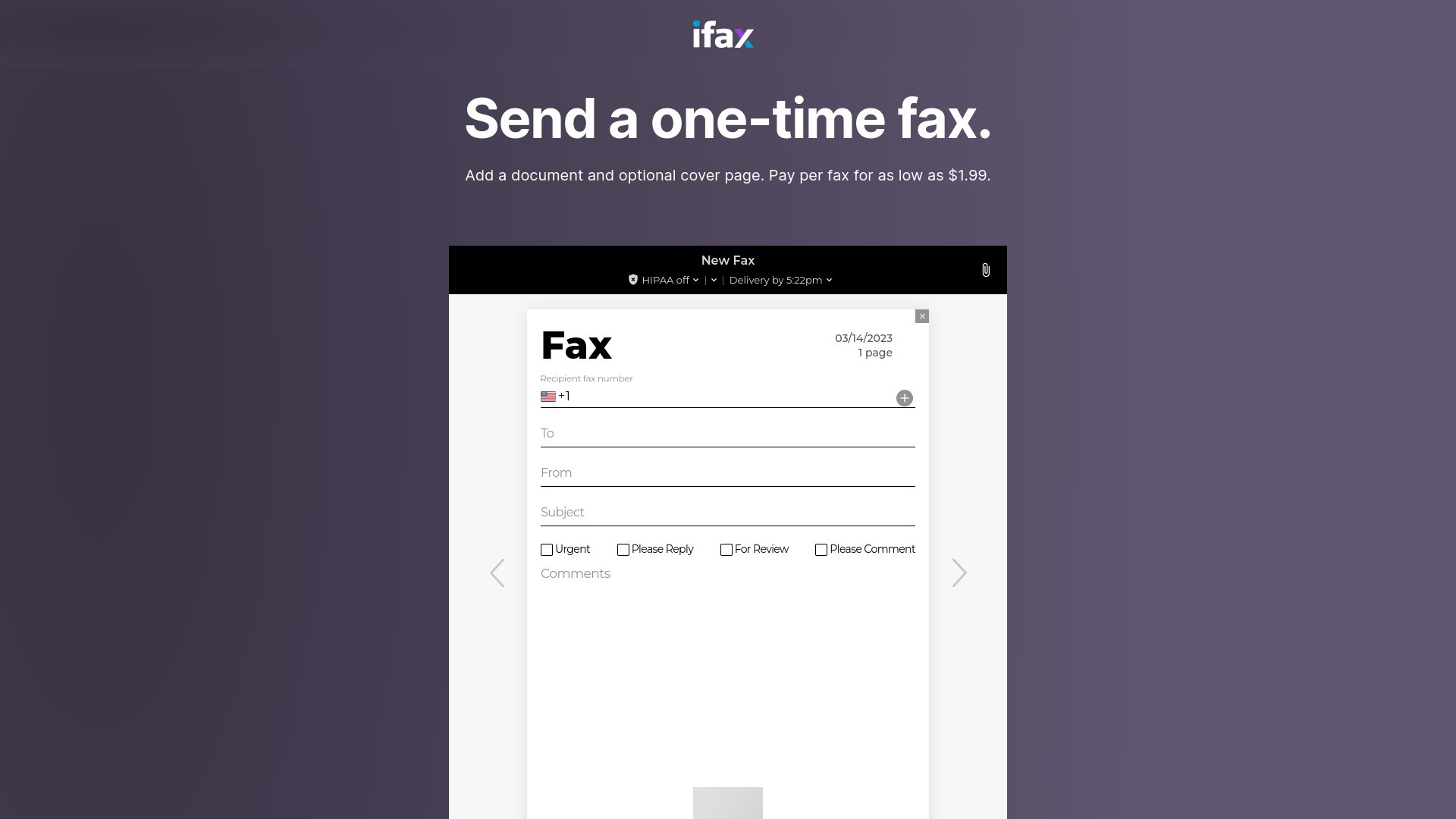
    iFax is a mobile-first fax service built around its iOS and Android apps. It positions itself in the higher-trust corner of the market with HIPAA-compliant handling, around-the-clock human support, and subscription-led pricing that starts at $12.49 per month for 200 pages. The mobile app pairs with a desktop web version and adds scan-and-send features that turn a phone into a document scanner.

    For mobile-heavy workflows in regulated industries, that bundle has real value. For occasional senders who only need to send one fax, a monthly subscription is more commitment than the fax requires. PayPerFax is the most common no-app, no-account iFax alternative. This article compares the two so you can pick the right tool for the fax in front of you.

    iFax's web sending interface

    When iFax is the right choice

    iFax is designed around a sender who faxes regularly from a phone and needs compliance features that come with that profile.

    iFax makes sense if you:

    • Send and receive faxes weekly or more, from a mobile device
    • Work in healthcare, finance, or another regulated industry that needs HIPAA or GLBA-aligned handling
    • Want an incoming fax number and a managed inbox inside the same app
    • Are comfortable installing the iFax app and creating an account
    • Want human customer support during business hours and beyond

    For that profile, the pricing tradeoff works: a monthly subscription buys you the compliance, support, and mobile workflow.

    What iFax actually offers

    • Pricing model: Subscription-led. Plans start at $12.49 per month for 200 pages (Basic), with higher tiers adding more allowance, incoming numbers, and pooled-page features. iFax also markets a one-time-fax option, but no per-page rate is currently listed for it.
    • Apps: Native iOS and Android apps plus a web version.
    • Compliance: HIPAA-aligned handling on appropriate plans; GLBA mentioned for financial workflows. Business Associate Agreements available on higher tiers.
    • Mobile scanner: Built-in document capture from the phone camera, with edge detection and OCR.
    • Receiving: Included from the Plus tier ($24.99/mo) upward.
    • Account required: Yes, on every tier.
    • Support: 24/7 human support on higher plans.

    Where iFax stops making sense

    The features iFax leans on are also where most occasional senders run into friction with it.

    The cheapest entry point is a $12.49/mo subscription

    iFax no longer publishes a clear per-page rate alongside its plans. The cheapest published option is the Basic subscription at $12.49 per month for 200 pages. For an occasional sender, that means committing to a recurring fee for an allowance they will not use. PayPerFax’s flat-then-incremental structure ([price] for the first [price type=batch_size] pages, then [price type=additional_page] per additional page) lets the same sender pay only for the fax in front of them.

    You have to install the app and create an account

    iFax is fundamentally an app-and-account product. Even the web version expects a sign-in. For a sender who needs to fax one document and move on, the app install plus account setup is overhead the fax does not need.

    Compliance features only matter to some senders

    HIPAA and GLBA-aligned handling are real benefits if your job requires them. If your job does not, you are paying for paperwork that does not affect the document you are sending. Most senders sending a personal fax to a doctor’s office do not need a Business Associate Agreement.

    App-only friction on desktop

    The mobile experience is the lead product, and that shows on desktop. Senders who only ever fax from a laptop can find the web flow feels secondary to the app.

    PayPerFax: the no-app, no-account alternative

    PayPerFax send-a-fax interface, the iFax alternative

    PayPerFax is a pay-as-you-go online fax service. You upload a document, enter a fax number, pay [price] for the first [price type=batch_size] pages (then [price type=additional_page] for each additional page), and send. There is no app to install, no account to create, and no subscription to manage.

    The points that matter most when comparing PayPerFax to iFax:

    You only pay when the fax delivers. If the line is busy or the number is wrong, you pay nothing. The charge fires only on successful delivery.

    Cheaper for occasional senders. A three-page fax on PayPerFax is one flat charge of [price]. On iFax, the same fax requires committing to at least $12.49 per month for an allowance you may not use. The math only tips in iFax’s favor if you fax regularly enough to fill that monthly allowance.

    No app required. The whole flow works from any browser, desktop or mobile. No store install, no permissions to grant, no account to create.

    No ads on the fax. PayPerFax does not add anything to the cover page. The document you send is the document the recipient sees.

    Live fax tracking. Status updates show on screen as the fax transmits, with an optional browser extension for background tracking.

    Mobile-friendly without being mobile-only. The flow works from a phone browser as cleanly as from a desktop. You do not need to commit to one device or one platform.

    International coverage to 130 countries. Per-page pricing is shown up front for each destination.

    Highest-rated pay-as-you-go fax service. PayPerFax is the top-rated pay-per-use fax service by user reviews.

    Native Google Drive and Dropbox integrations. Right-click any PDF, DOC, DOCX, JPG, or TIF file in Google Drive or Dropbox and send it as a fax. Install once via the Google Workspace Marketplace or Dropbox OAuth.

    What PayPerFax does not do is worth saying too:

    • No HIPAA-aligned handling. If your workflow requires HIPAA-grade fax security, you need iFax (or another compliance-focused provider), not PayPerFax.
    • No incoming fax number. PayPerFax is for sending only. If you need a number that others can fax to, you need a subscription service.
    • No mobile scanner inside an app. PayPerFax accepts documents you upload from your device. There is no in-app camera capture.

    iFax vs PayPerFax at a glance

    Comparison point iFax PayPerFax
    Cheapest published plan $12.49/mo (200 pages, Basic) [price] for the first [price type=batch_size] pages, then [price type=additional_page] per page, pay-as-you-go
    Cost for an occasional fax Monthly subscription required Pay only when the fax delivers
    Account required Yes No
    App required App-first; web is secondary None (browser only)
    HIPAA / BAA Yes (on appropriate plans) No
    Incoming fax number Yes (subscription tiers) No
    Mobile scanner Built-in (in-app camera) Upload from device
    Live transmission status In-app updates Live on-screen and via extension
    Charges for failed faxes Plan-dependent Free, only delivered faxes are billed
    Cancellation Cancel subscription tiers Nothing to cancel

    Which one should you choose?

    The decision splits cleanly.

    iFax is the better fit if:

    • Your workflow requires HIPAA or GLBA-aligned handling, including a Business Associate Agreement
    • You send and receive faxes weekly from a phone and want an integrated inbox
    • You want the in-app camera scanner for paper documents
    • You are happy installing an app and creating an account
    • You are willing to pay a monthly subscription for those features

    PayPerFax is the better fit if:

    • You only need to send a fax, not receive one
    • Your workflow does not require a signed BAA or other compliance certifications
    • You only need to send a fax occasionally, not month after month
    • You do not want to install an app or create an account
    • You only want to pay when the fax actually delivers
    • The destination is international and you want clear per-page pricing before sending

    Neither service is strictly better. iFax is the right tool for regulated, mobile-heavy senders. PayPerFax is the right tool for almost everyone else in the pay-as-you-go space.

    Other iFax alternatives

    If you are shopping the broader market, the other realistic options split into pay-as-you-go and subscription:

    • FaxZero offers a free domestic tier (3 pages, US/Canada) with cover-page ads. Right for one-off personal faxes that fit the cap.
    • eFax is the largest subscription provider. Plans start around $14.99/month and include an incoming number and HIPAA-aligned handling on appropriate tiers.
    • RingCentral Fax bundles fax with a full business phone system. Right for offices, overkill for one-off senders.
    • HumbleFax is a smaller subscription with pooled inbound and outbound page allowances.
    • MyFax and MetroFax are subscription services in the $10 to $25/month range.
    • Dropbox Fax (the rebrand of HelloFax) advertises a free page, but that page is once per Dropbox account — not a free tier. After that, faxing rolls into a Dropbox plan.

    The pattern: subscription services charge a monthly fee whether you fax or not, but include incoming numbers and (on appropriate tiers) compliance features. If your job needs those features regularly, a subscription saves money. If it does not, pay-as-you-go is cheaper.

    Sending a fax without an app install

    If you need to send a fax right now and iFax’s app install, account setup, or higher per-page rate are getting in the way, you can do it at payperfax.com without creating an account. Upload the document, enter the fax number, and send. The charge ([price] for the first [price type=batch_size] pages, then [price type=additional_page] per additional page) applies only if the fax delivers. For more on how this works, see our guide to sending a one-time fax online.

  • Runner Up

    FaxZero

    FaxZero

    FaxZero has been a popular free fax service since the early 2010s. It lets you send a small number of pages a day from the US and Canada without an account, which is genuinely useful when you only need to send a fax once or twice and do not want to pay anything.

    The trade-offs are real. The free tier is capped at three pages and five faxes a day, the cover page carries FaxZero’s ads, and the interface looks every bit its age. For users who want something cleaner, faster, or beyond the daily caps, PayPerFax is the most common pay-as-you-go FaxZero alternative. This article walks through both services so you can decide which fits the fax you actually need to send.

    FaxZero's web sending interface

    When FaxZero is the right choice

    FaxZero is designed around a very specific use case: an occasional sender in the US or Canada who can fit inside the daily free limit and does not mind a branded cover page.

    FaxZero makes sense if you:

    • Are sending a short fax (three pages or fewer) from the US or Canada
    • Do not need the fax delivered immediately (the free tier uses a two-step email-confirmation flow)
    • Are okay with FaxZero ads on the cover page
    • Are not sending a fax that needs to look professional to the recipient
    • Do not need a mobile app or a polished sending experience

    For senders in that profile, FaxZero is hard to beat on price: it is free.

    What FaxZero actually offers

    • Free tier: Up to three pages plus a cover page, up to five times per day, US and Canada only.
    • File-type support: PDF, DOC, DOCX, RTF, PNG, JPG, XLS, XLSX, TXT, HTML, TIFF, GIF, PPT, and a handful of others.
    • No account required: Just an email address.
    • International faxing: Paid tier supports international destinations at around $3.63 for up to 15 pages.
    • Email delivery confirmation: You get a notification when the fax goes through (or an explanation when it does not).
    • Security: FaxZero is a safe service for non-sensitive personal use. See our standalone Is FaxZero safe? review for the detail.

    Where FaxZero stops making sense

    The limitations of the free tier are what drive most searches for a FaxZero alternative. Reviewers from PC Mag, TechRadar, Tom’s Guide, and Crazy Egg have all called out the same set of issues over the years.

    The interface feels dated

    Multiple reviewers have noted the same thing. As TechRadar put it, "FaxZero’s interface feels like it’s from the late ’90s." That does not affect whether the fax goes through, but it does make the service feel less trustworthy for one-off use, especially if you are sending something that matters.

    The two-step sending flow is slow

    The free tier deliberately runs faxes through an email-confirmation step to deter spam use. As Tom’s Guide noted, "Your FaxZero fax will not send instantly: you must first wait for an email with a link to your fax, and then click on the link to deliver it." The extra round-trip can take several minutes. If you are in a hurry, or sending from your phone, the delay is real.

    The cover page has ads

    The free tier puts FaxZero’s branding and ads on the cover page that lands on the recipient’s machine. For a personal fax to a family doctor, that is fine. For a fax to a lender, an attorney, or a government agency, the appearance is a problem.

    No mobile app, limited mobile experience

    As PC Mag flagged, "FaxZero lacks a mobile app, which is a significant disadvantage in an increasingly mobile world." The web flow technically works on a phone, but the experience is not designed for it.

    Image quality is limited

    Crazy Egg observed that "FaxZero is a better option for sending documents that are mostly text-based. If you’re sending images, you can expect most of the details to be lost and blurred." For senders faxing photos, ID scans, or any graphics-heavy document, the rendered output may be unusable.

    Daily caps

    Three pages a day, five sends a day, US and Canada only. That is the hard ceiling on the free tier. If your fax is four pages, or you have already sent five today, or the recipient is in another country, the free tier does not apply.

    PayPerFax: the no-subscription, no-ads alternative

    PayPerFax send-a-fax interface, the FaxZero alternative

    PayPerFax is a pay-as-you-go online fax service. You upload a document, enter a fax number, pay [price] for the first three pages plus [price type=additional_page] for each additional page, and send. There is no account to create, no subscription to manage, and nothing to cancel. The service is fax-only and sends from any browser without an app.

    The points that matter most when comparing PayPerFax to FaxZero:

    You only pay when the fax is delivered. If the line is busy, the machine on the other end is off, or the number is wrong, you pay nothing. The charge fires only on successful delivery. For users sending faxes where the destination number is uncertain, that removes a real risk.

    No ads on the fax. PayPerFax does not add anything to the cover page. The document you send is the document the recipient sees. For any fax that needs to look professional (legal, financial, medical, government), this difference is the main reason senders switch.

    No daily caps and no country limits. You can send one page or fifty, to the US, Canada, or any of 130+ international destinations. Pricing is transparent before you hit send.

    Mobile-friendly. The whole flow works from a phone browser, top to bottom. No app, no compromise on layout.

    Sends right away. No email-confirmation round-trip. Upload, pay, send.

    Modern interface and accessibility. Clean layout, legible typography, high-contrast UI. This is not a vanity point: for users who only fax once in a while, an interface that does not look broken is part of trusting the service with a document that matters.

    Highest-rated pay-as-you-go fax service. PayPerFax is the top-rated pay-per-use fax service by user reviews, with a 4.7/5 rating on Trustpilot. FaxZero sits around 3.3/5 on the same site.

    Native Google Drive and Dropbox integrations. Right-click any PDF, DOC, DOCX, JPG, or TIF file in Google Drive or Dropbox and send it as a fax. Install once via the Google Workspace Marketplace or Dropbox OAuth.

    What PayPerFax does not do is worth saying too:

    • It is not free. PayPerFax’s per-page rate is among the cheapest in the pay-as-you-go market, but it is not zero. If "free at all costs" is the constraint, FaxZero is the right tool inside its daily cap.
    • No incoming fax number. PayPerFax is for sending only. If you need a number that others can fax to, you need a subscription service.

    FaxZero vs PayPerFax at a glance

    Comparison point FaxZero PayPerFax
    Pricing model Free tier (capped) + paid premium [price] for first 3 pages, [price type=additional_page] each additional, no monthly fee
    Daily limit 3 pages, 5 faxes / day (free) None
    Cover page ads Yes (free tier) No
    International destinations Paid tier only, ~$3.63 for 15 pages 130+ countries, transparent per-page pricing
    Account required No No
    Sending delay Email-confirmation step on free tier Sends immediately
    Mobile experience Web only, dated Modern, fully mobile-friendly
    Image fidelity Limited (text-optimized) Reliable for image-bearing documents
    Charges for failed faxes N/A (free) / counted against paid plan Free, only delivered faxes are billed
    Cancellation Nothing to cancel Nothing to cancel

    Which one should you choose?

    The decision splits cleanly.

    FaxZero is the better fit if:

    • You are in the US or Canada and have three pages or fewer to send
    • The fax is personal and the FaxZero cover ad is not a problem
    • You can tolerate the two-step email-confirmation delay
    • You have not already used your five free sends today
    • "Free" is the constraint that matters

    PayPerFax is the better fit if:

    • The fax has more than three pages, or you have already used your daily limit
    • The destination is international
    • The recipient is a business, lender, attorney, government agency, or anyone who would notice the cover-page ads
    • You are sending from a phone
    • The document includes images, photos, or scans that need to render cleanly
    • You want the fax to send immediately, without the email-confirmation round-trip
    • You only want to pay when the fax actually delivers

    Neither service is strictly better. They cover different ends of the casual-fax market. FaxZero is the right tool for a very narrow use case (small free text fax inside US/CA). PayPerFax is the right tool for almost everything else in the pay-as-you-go space.

    Other FaxZero alternatives

    If you are shopping the broader market, the other realistic options are mostly subscription services with monthly fees:

    • eFax is the largest subscription provider. Plans start around $15/month and include a dedicated incoming fax number.
    • RingCentral Fax bundles fax with a full business phone system. Right for offices, overkill for one-off senders.
    • HumbleFax is a smaller subscription option with pooled inbound/outbound page allowances.
    • MyFax, MetroFax, SRFax are all subscription services with comparable monthly fees in the same tier.
    • Dropbox Fax (the rebrand of HelloFax after Dropbox’s acquisition) sits in the same tier; its advertised free page is once per Dropbox account, not a recurring free tier.

    The pattern: every subscription service has a monthly fee that does not go away whether you fax or not. For light fax volume – a few faxes a month – a pay-as-you-go option (PayPerFax) is cheaper than any of these. If you fax much more than that and need an incoming number, a subscription starts to make sense.

    FAQ

    Is FaxZero safe to use? FaxZero serves its portal over HTTPS, deletes documents after transmission, and scores cleanly across mainstream third-party reputation services (Google Safe Browsing, Norton Safe Web, Trustpilot, ScamAdviser). There is no HIPAA framework on offer. FaxZero is positioned for low-risk personal use, so the honest answer is "yes for everyday personal faxes, not for protected health or sensitive legal records." For underlying tradeoffs, see Is fax more secure than email?.

    Sending a fax without a daily cap

    If you need to send a fax right now and FaxZero’s daily limit, international restriction, or cover ads are a problem, you can do it at payperfax.com without creating an account. Upload the document, enter the fax number, and send. The per-page charge applies only if the fax delivers. For more on how this works, see our guide to sending a one-time fax online.

  • Runner Up

    FaxFresh

    FaxFresh

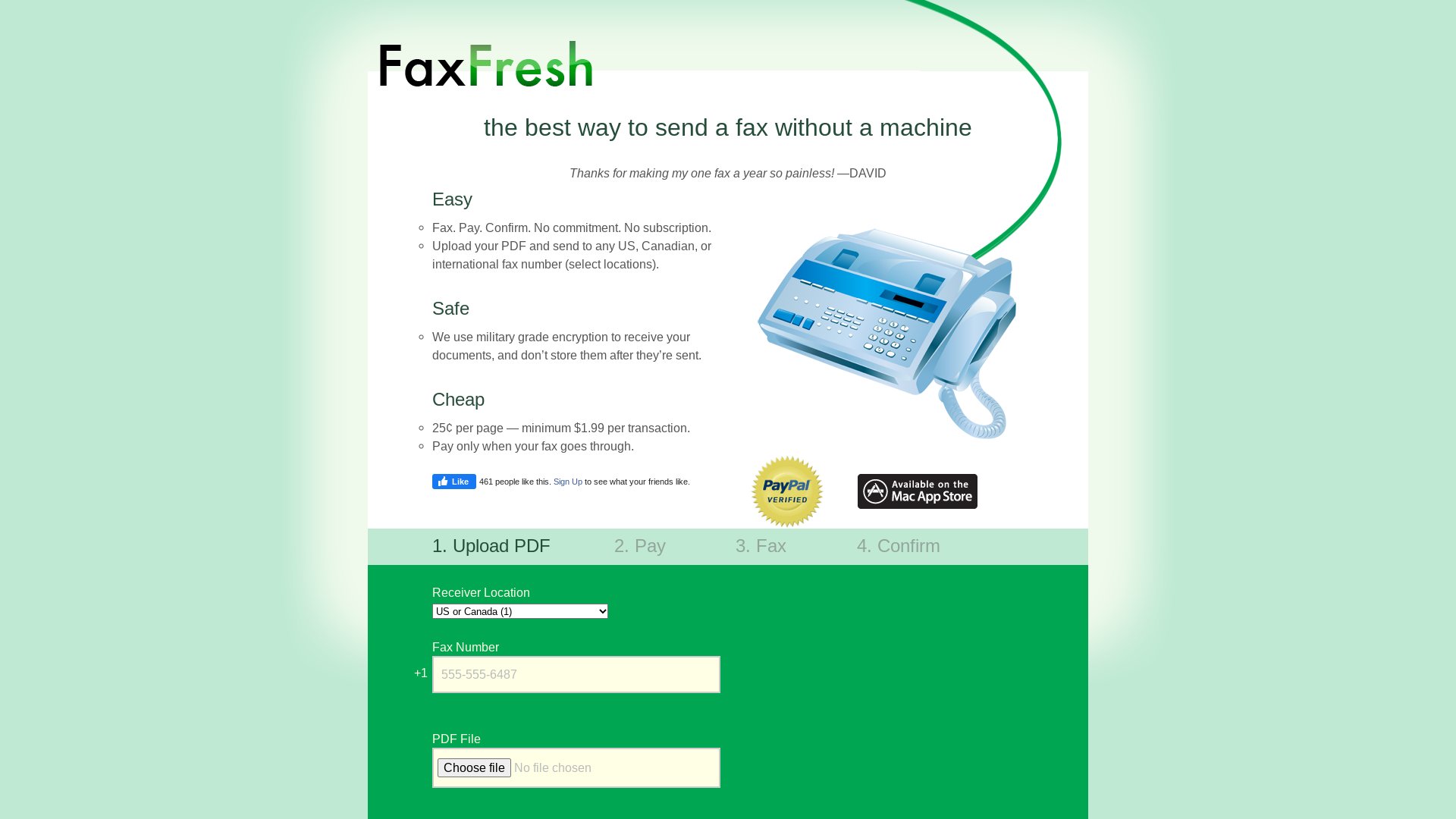
    FaxFresh is a pay-per-fax service with flat per-page pricing: 25¢ per page with a $1.99 minimum per transaction. The minimum dilutes across longer documents, so the effective per-page cost drops as page count climbs. The pay-only-for-success model and clean cover page make it appealing on paper, especially for senders shipping documents into the double digits.

    For long, single-document faxes that stay inside FaxFresh’s supported country list, the price math can work out. For shorter faxes, multi-document sends, or international destinations FaxFresh does not cover, PayPerFax is the most common FaxFresh alternative. This article compares the two so you can pick the right tool for the fax in front of you.

    FaxFresh's web sending interface

    When FaxFresh is the right choice

    FaxFresh is designed around a sender with one long document headed to a domestic or supported-country recipient.

    FaxFresh makes sense if you:

    • Have a single long document (around 8 to 20+ pages) to send
    • Are happy with one document per fax (no multi-file attachments)
    • Are sending to the US, Canada, or one of FaxFresh’s supported international destinations
    • Want a clean cover page without branding
    • Want pay-only-for-success billing without a subscription

    For that profile, the flat 25¢-per-page rate (with the $1.99 minimum diluted across many pages) does favor FaxFresh on the longest sends, where it undercuts most pay-as-you-go alternatives.

    What FaxFresh actually offers

    • Pricing model: 25¢ per page with a $1.99 minimum per transaction. Pay-only-for-success billing.
    • File-format support: PDF, DOC, DOCX, JPG, and a few others.
    • International coverage: US, Canada, plus a short list of additional destinations. Not as global as the largest providers.
    • Single-document model: One file per fax. Multi-document sends are not supported on a single transmission.
    • Account required: No (one-off send model).
    • Cover page: Clean cover, no third-party ads.

    Where FaxFresh stops making sense

    The shape of FaxFresh’s pricing and feature set is where most senders find friction.

    One document per fax

    The bigger constraint for most senders is the single-file model. If your fax is a Word document plus a signed PDF attachment, FaxFresh expects you to merge them yourself or send two separate transmissions. For routine paperwork that combines a form with an ID scan or supporting document, that is friction every time.

    Limited international list

    FaxFresh’s country list extends past the US and Canada but does not match the 130-country footprint of the largest providers. If your recipient is outside its list, FaxFresh is not an option.

    No live transmission tracking

    FaxFresh confirms delivery by email after the send. There is no live status screen showing whether the fax has connected and completed. For senders who want to know in real time whether the document landed, that is a step backward from services that show live status.

    Limited brand recognition

    FaxFresh is one of the smaller services in the PAYG market. There is less third-party review coverage, fewer help resources, and less long-term track record to rely on. For one-off faxes that matters less, but it shows up when something goes wrong.

    PayPerFax: the multi-file, global, live-tracked alternative

    PayPerFax send-a-fax interface, the FaxFresh alternative

    PayPerFax is a pay-as-you-go online fax service. You upload one or more documents, enter a fax number, pay [price] for the first [price type=batch_size] pages (then [price type=additional_page] for each additional page), and send. There is no account to create and no subscription to manage.

    The points that matter most when comparing PayPerFax to FaxFresh:

    You only pay when the fax delivers. Same as FaxFresh on this point: if the line is busy or the number is wrong, you pay nothing.

    Multiple files in one fax. Combine a form with an ID scan, or a contract with its supporting documents, in a single send. You do not have to merge them yourself or pay for two transmissions.

    130+ country coverage. PayPerFax sends to over 130 destinations, including the full EU, the UK, most of Latin America, and most of Asia and Africa. Per-page pricing is shown up front for each destination.

    Live fax tracking. Status updates appear on screen as the fax transmits. An optional browser extension keeps tracking running in the background.

    Wider file-format support. PayPerFax handles PDF, DOCX, DOC, JPG, and PNG.

    No ads on the fax. PayPerFax does not add anything to the cover page.

    Mobile-friendly. The whole flow works from a phone browser.

    Highest-rated pay-as-you-go fax service. PayPerFax is the top-rated pay-per-use fax service by user reviews.

    Native Google Drive and Dropbox integrations. Right-click any PDF, DOC, DOCX, JPG, or TIF file in Google Drive or Dropbox and send it as a fax. Install once via the Google Workspace Marketplace or Dropbox OAuth.

    Where FaxFresh has the edge:

    • Long single-document faxes. On longer single-file domestic faxes, FaxFresh’s flat 25¢ per page is cheaper than PayPerFax’s [price type=additional_page] per additional page. If most of your sends are long documents inside FaxFresh’s supported countries, the math favors FaxFresh.

    What PayPerFax does not do is worth saying too:

    • No deep volume discount on long faxes. A 30-page fax costs about $22.25 on PayPerFax ([price] for the first [price type=batch_size] pages, then [price type=additional_page] each for 27 more). <!– price-derived: 1+27 –> FaxFresh’s flat 25¢-per-page rate would bring the same send well into single digits inside its supported list. If long single-file documents are your norm, pick FaxFresh.
    • No incoming fax number. PayPerFax is for sending only.

    FaxFresh vs PayPerFax at a glance

    Comparison point FaxFresh PayPerFax
    Pricing model 25¢/page, $1.99 minimum per transaction [price] for the first [price type=batch_size] pages, then [price type=additional_page] per page
    1-page fax cost $1.99 [price]
    12-page fax cost $3.00 $8.75
    International destinations Short list 130+ countries
    Multi-document send One file per fax Multiple files per fax
    Live transmission status Email only Live on-screen + extension
    Cover-page ads No No
    Charges for failed faxes Free, success-only billing Free, success-only billing
    Account required No No

    Which one should you choose?

    The decision splits cleanly on document length and geography.

    FaxFresh is the better fit if:

    • Your typical fax is a single document over four pages
    • Your recipient is in the US, Canada, or one of FaxFresh’s supported destinations
    • You do not need to combine multiple files in one send
    • You do not need live transmission tracking

    PayPerFax is the better fit if:

    • You routinely combine multiple files in one send
    • The destination is outside FaxFresh’s supported list (most of the world)
    • You want live transmission tracking, not an email after the fact
    • Your typical fax is short (one to three pages) where pricing differences are pennies

    Neither service is strictly better. FaxFresh is the right tool for long single-file domestic sends. PayPerFax is the right tool for shorter sends, multi-file sends, or international destinations.

    Other FaxFresh alternatives

    If you are shopping the broader market, the other realistic options split into pay-as-you-go and subscription:

    • FaxZero offers a free domestic tier (3 pages, US/Canada) with cover-page ads. Right for one-off personal faxes that fit the cap.
    • eFax is the largest subscription provider. Plans start around $14.99/month and include an incoming fax number.
    • RingCentral Fax bundles fax with a full business phone system.
    • HumbleFax is a smaller subscription with pooled inbound and outbound page allowances.
    • Dropbox Fax (the rebrand of HelloFax) advertises a free page, but that page is once per Dropbox account — not a free tier. After that, faxing rolls into a Dropbox plan.
    • MyFax, MetroFax are all subscription services in the $10 to $25/month range.

    The pattern: every subscription service has a monthly fee that does not go away whether you fax or not. If you fax fewer than around 12 pages per month, a pay-as-you-go option (PayPerFax or FaxFresh) is cheaper than any of these. If you fax much more than that and need an incoming number, a subscription starts to make sense.

    Sending a fax without a per-document limit

    If you need to send a fax right now and FaxFresh’s single-document model or country list is in the way, you can do it at payperfax.com without creating an account. Upload your documents, enter the fax number, and send. The charge ([price] for the first [price type=batch_size] pages, then [price type=additional_page] per additional page) applies only if the fax delivers. For more on how this works, see our guide to sending a one-time fax online.

  • Runner Up

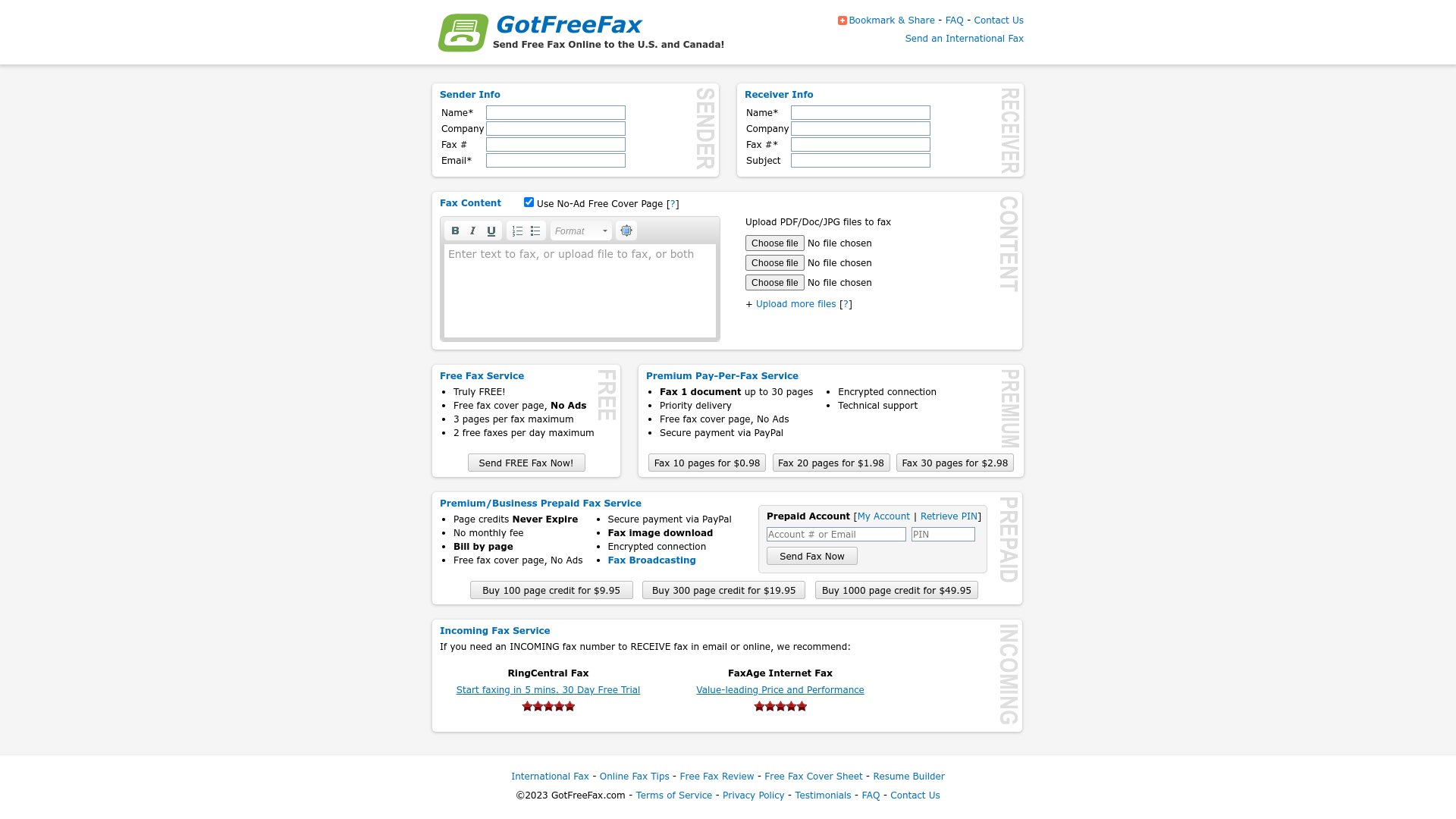
    GotFreeFax

    GotFreeFax

    GotFreeFax is one of the older free fax services on the web. Its core offer is a domestic free tier (up to three pages, twice a day, US only) and low-cost paid sends starting around $0.98 for short faxes. The interface is simple, the flow does not require an account, and the price for the right use case is zero.

    The catch is the same one every free fax service shares: the use case is narrow. The free tier is US-only, capped at small daily volumes, and tied to specific page-count brackets that can confuse on longer documents. PayPerFax is the most common GotFreeFax alternative for senders who run into those caps. This article compares the two so you can pick the right tool for the fax in front of you.

    GotFreeFax's web sending interface

    When GotFreeFax is the right choice

    GotFreeFax is built around an occasional US sender with a short fax and no monthly budget for faxing.

    GotFreeFax makes sense if you:

    • Are in the US and your recipient is in the US
    • Have three pages or fewer to send
    • Have not already hit the daily free-send cap
    • Do not need live transmission tracking
    • Are comfortable with a dated, no-frills web interface
    • Have a personal use case where "free" matters more than polish

    For that profile, GotFreeFax is genuinely free, and a free domestic fax is hard to argue with.

    What GotFreeFax actually offers

    • Free tier: Up to three pages plus a cover page, up to two times per day, US only.
    • Paid tier: Low-cost paid sends starting around $0.98 for short faxes. Pricing brackets step up by page-count bands rather than per page.
    • File-type support: PDF, DOC, DOCX, JPG, and a few others.
    • No account required: Just an email address.
    • Multi-file support: Up to ten files per transmission on appropriate tiers.
    • Cover page: Included on the free tier with GotFreeFax branding.
    • Security: Suitable for non-sensitive personal use. Not positioned for regulated content.

    Where GotFreeFax stops making sense

    The limits of the free tier are what drive most searches for a GotFreeFax alternative.

    US only on the free tier

    If your recipient is in Canada, the UK, or anywhere outside the US, the free tier does not apply. International destinations are limited at best.

    Three pages, twice a day

    The hard ceiling on the free tier is three pages per send and two sends per day. If your fax is four pages, or you have already sent twice today, the free tier no longer covers you.

    Paid-tier pricing is bracketed by page count

    Above the free tier, pricing is structured in page-count brackets rather than per page. That can be cost-effective for documents that fit a bracket, but the total cost is less transparent than a clean per-page rate. It is harder to estimate before you send.

    Cover-page branding on the free tier

    The free tier puts GotFreeFax branding on the cover page. For a personal fax that is fine. For a fax to a business, a lender, or a government agency, branded cover pages can look unprofessional.

    Dated interface and limited live feedback

    GotFreeFax has not had a major UI refresh in years. There is no live status screen as the fax transmits. Confirmation comes by email after the send.

    No incoming faxes

    GotFreeFax is send-only. If you need a number that others can fax to, GotFreeFax is not the right tool.

    PayPerFax: the no-cap, no-ad, global alternative

    PayPerFax send-a-fax interface, the GotFreeFax alternative

    PayPerFax is a pay-as-you-go online fax service. You upload a document, enter a fax number, pay [price] for the first [price type=batch_size] pages (then [price type=additional_page] for each additional page), and send. There is no daily cap, no account, no subscription, and no cover-page branding.

    The points that matter most when comparing PayPerFax to GotFreeFax:

    You only pay when the fax delivers. If the recipient line is busy or the number is wrong, you pay nothing. The charge fires only on successful delivery.

    No daily cap and no country restriction. Send one page or fifty, to the US or to any of 130+ international destinations.

    Simple per-page math. [price] covers the first [price type=batch_size] pages, then [price type=additional_page] for each additional page. No daily cap, no surprise upgrade, no domestic-only restriction. You see the total before you commit.

    No cover-page ads. PayPerFax does not add anything to the cover page. The document you send is the document the recipient sees.

    Live fax tracking. Status updates appear on screen as the fax transmits. An optional browser extension keeps tracking running in the background.

    Mobile-friendly. The whole flow works from a phone browser, top to bottom.

    Modern interface. Clean layout and high-contrast UI. For a sender who only faxes once in a while, an interface that does not look broken matters when the document does.

    Highest-rated pay-as-you-go fax service. PayPerFax is the top-rated pay-per-use fax service by user reviews.

    Native Google Drive and Dropbox integrations. Right-click any PDF, DOC, DOCX, JPG, or TIF file in Google Drive or Dropbox and send it as a fax. Install once via the Google Workspace Marketplace or Dropbox OAuth.

    What PayPerFax does not do is worth saying too:

    • It is not free. [price] is the entry charge for a fax of up to [price type=batch_size] pages, which is cheap for a no-account global send, but it is not zero. If your fax fits inside GotFreeFax’s domestic free tier and the cover-page brand is acceptable, GotFreeFax will be cheaper.
    • No incoming fax number. PayPerFax is for sending only.

    GotFreeFax vs PayPerFax at a glance

    Comparison point GotFreeFax PayPerFax
    Pricing model Free tier (capped) + bracketed paid sends [price] for the first [price type=batch_size] pages, then [price type=additional_page] per page
    Daily limit 3 pages, 2 sends / day (free) None
    Geographic coverage US-only on free tier 130+ countries
    Cover-page branding Yes (free tier) No
    Account required No No
    Live transmission status Email only Live on-screen + extension
    Charges for failed faxes Varies Free, only delivered faxes are billed
    Cancellation Nothing to cancel Nothing to cancel

    Which one should you choose?

    The decision splits cleanly.

    GotFreeFax is the better fit if:

    • You are in the US sending to a US recipient
    • Your fax is three pages or fewer
    • You have not used your daily sends
    • The cover-page branding is fine for the recipient
    • "Free" is the constraint that matters most

    PayPerFax is the better fit if:

    • Your fax is more than three pages, or you have hit the daily cap
    • The destination is outside the US (Canada, UK, EU, anywhere)
    • The recipient is a business, lender, attorney, or government agency that would notice cover-page branding
    • You want live transmission tracking, not an email after the fact
    • You only want to pay when the fax actually delivers
    • You want predictable per-page pricing without a daily cap

    Neither service is strictly better. GotFreeFax does free domestic faxing inside its caps. PayPerFax does everything else.

    Other GotFreeFax alternatives

    If you are shopping the broader market, the other realistic options split into pay-as-you-go and subscription:

    • FaxZero is the other major free domestic tier (3 pages, US/Canada) with similar cover-page caveats.
    • eFax is the largest subscription provider. Plans start around $15/month and include an incoming fax number.
    • RingCentral Fax bundles fax with a full business phone system.
    • HumbleFax is a smaller subscription with pooled inbound and outbound page allowances.
    • Dropbox Fax (the rebrand of HelloFax) advertises a free page, but that page is once per Dropbox account — not a free tier. After that, faxing rolls into a Dropbox plan.
    • MyFax, MetroFax are all subscription services in the $10 to $25/month range.

    The pattern: every subscription service has a monthly fee that does not go away whether you fax or not. If you fax fewer than around 12 pages per month, a pay-as-you-go option (PayPerFax) is cheaper than any of these. If you fax much more than that and need an incoming number, a subscription starts to make sense.

    FAQ

    Is GotFreeFax safe to use? GotFreeFax serves its portal over HTTPS and registers no concerns on mainstream third-party reputation services (Google Safe Browsing, Norton Safe Web, Trend Micro Site Safety, ScamAdviser, URLVoid). There is no HIPAA framework. Like other free domestic services, GotFreeFax is fine for everyday personal faxes but is not positioned for regulated or sensitive content. For underlying tradeoffs, see Is fax more secure than email?.

    Sending a fax without a daily cap

    If you need to send a fax right now and GotFreeFax’s daily limit, US-only restriction, or cover-page branding are in the way, you can do it at payperfax.com without creating an account. Upload the document, enter the fax number, and send. The charge ([price] for the first [price type=batch_size] pages, then [price type=additional_page] per additional page) applies only if the fax delivers. For more on how this works, see our guide to sending a one-time fax online.

  • Runner Up

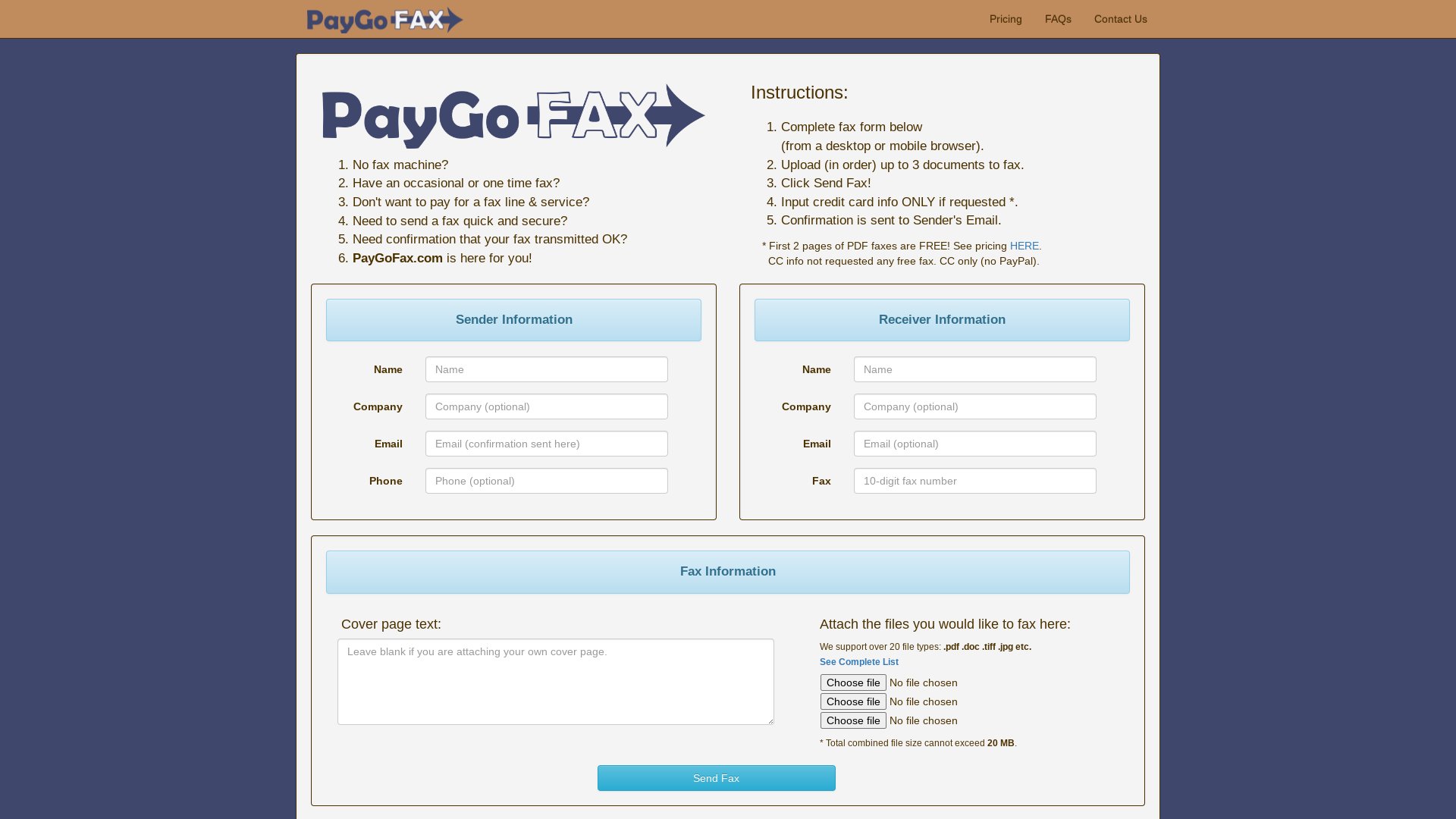
    PayGoFAX

    PayGoFAX

    PayGoFAX is a pay-per-page online fax service positioned around HIPAA-aligned handling, format-specific pricing, and volume tiers. It supports PDF, DOCX, and image formats, leans into healthcare and financial use cases on the security side, and concentrates its coverage on the US and Canada.

    For senders who fax regularly inside North America and want compliance-aligned handling without a monthly subscription, PayGoFAX is a defensible choice. For senders who want clean, predictable per-page pricing or destinations outside North America, PayPerFax is the most common PayGoFAX alternative. This article compares the two so you can pick the right tool for the fax in front of you.

    PayGoFAX's web sending interface

    When PayGoFAX is the right choice

    PayGoFAX is built around a regular sender who needs compliance-aligned handling in North America and is comfortable navigating tiered pricing.

    PayGoFAX makes sense if you:

    • Are in the US or Canada and your recipient is too
    • Work in healthcare or a regulated industry that prefers HIPAA-aligned handling
    • Send enough volume that a tiered/discount pricing structure pays off
    • Are comfortable working out per-page math based on file format
    • Do not need a global country list

    For that profile, the volume tiers and security positioning are real value.

    What PayGoFAX actually offers

    • Pricing model: Pay-per-page with format-specific rates and volume tiers. PDF pages can carry different pricing than DOCX or image files, and per-page cost steps down at higher page counts.
    • Security: HIPAA-aligned handling and 256-bit encryption are the lead pitch. Suitable for healthcare and financial workflows where compliance language matters.
    • Geographic coverage: US and Canada are the primary supported destinations.
    • Multi-document support: Attach up to three documents per fax.
    • File-format support: PDF, DOCX, DOC, JPG, and a few others.
    • Account required: Mostly no for one-off sends; some features may require sign-in.

    Where PayGoFAX stops making sense

    The structure that makes PayGoFAX work for its core audience is also where most senders bump into it.

    Format-specific pricing is confusing

    PayGoFAX prices differently by file format. PDF pages can be free up to a point, while DOCX or image pages charge a per-page rate. The total cost of a fax depends on the file you upload, which is hard to predict before you commit. For a sender who just wants to send a document and see one number, this is friction.

    Volume tiers favor heavy use

    The tiered pricing rewards volume. A 30-page fax pays less per page than a 3-page fax. That is helpful for a sender shipping long documents regularly, but it does not help a one-off occasional sender who is paying the top of the tier.

    US and Canada only

    If your recipient is in the UK, the EU, Latin America, or anywhere outside North America, PayGoFAX is limited at best.

    Compliance features only matter to some senders

    HIPAA-aligned handling is meaningful for healthcare workflows. It does not affect the document a non-healthcare sender is shipping. Most one-off senders are paying for a security profile they do not need.

    No live transmission tracking

    PayGoFAX confirms delivery by email after the send. There is no live status screen during transmission.

    Limited brand recognition

    PayGoFAX is one of the lower-visibility services in the PAYG market. Third-party reviews are thin compared to the larger names.

    PayPerFax: the flat-rate, globally-routed alternative

    PayPerFax send-a-fax interface, the PayGoFAX alternative

    PayPerFax is a pay-as-you-go online fax service. You upload a document, enter a fax number, pay [price] for the first [price type=batch_size] pages (then [price type=additional_page] for each additional page), and send. There is no account to create, no subscription, and no format-specific pricing tier to interpret.

    The points that matter most when comparing PayPerFax to PayGoFAX:

    You only pay when the fax delivers. If the line is busy or the number is wrong, you pay nothing. The charge fires only on successful delivery.

    One per-page rate, no format penalty. [price] for the first [price type=batch_size] pages and [price type=additional_page] each thereafter, the same whether you upload a PDF, a DOCX, or a JPG. The total is predictable before you hit send.

    130+ country coverage. PayPerFax sends to over 130 destinations, including the full EU, the UK, Latin America, and most of Asia and Africa. Per-page pricing is shown up front for each destination.

    Live fax tracking. Status updates appear on screen as the fax transmits, with an optional browser extension for background tracking.

    Multi-document support. Upload multiple files per fax, no tier rules to remember.

    No ads on the fax. PayPerFax does not add anything to the cover page.

    Mobile-friendly. The whole flow works from a phone browser.

    Highest-rated pay-as-you-go fax service. PayPerFax is the top-rated pay-per-use fax service by user reviews.

    Native Google Drive and Dropbox integrations. Right-click any PDF, DOC, DOCX, JPG, or TIF file in Google Drive or Dropbox and send it as a fax. Install once via the Google Workspace Marketplace or Dropbox OAuth.

    Where PayGoFAX has the edge:

    • HIPAA-aligned handling. If your workflow specifically requires HIPAA-aligned procedures (and the documentation that comes with it), PayGoFAX is positioned for that. PayPerFax is not. For regulated workflows that need compliance paperwork, choose a provider that offers it explicitly.
    • Volume discounts. If you regularly send 30+ page faxes inside North America, PayGoFAX’s tiered pricing may be cheaper per page than PayPerFax’s flat rate.

    What PayPerFax does not do is worth saying too:

    • No HIPAA Business Associate Agreement. If your workflow requires a signed BAA, you need a provider that offers one.
    • No incoming fax number. PayPerFax is for sending only.

    PayGoFAX vs PayPerFax at a glance

    Comparison point PayGoFAX PayPerFax
    Pricing model Format-specific, volume tiers [price] for the first [price type=batch_size] pages, then [price type=additional_page] per page
    Geographic coverage US and Canada 130+ countries
    HIPAA-aligned handling Yes No
    Multi-document send Up to 3 documents per fax Multiple files per fax
    Live transmission status Email only Live on-screen + extension
    Cover-page ads No No
    Charges for failed faxes Varies Free, only delivered faxes are billed
    Cancellation Nothing to cancel Nothing to cancel

    Which one should you choose?

    The decision splits along compliance and geography.

    PayGoFAX is the better fit if:

    • Your workflow needs HIPAA-aligned handling
    • You send long documents inside North America and want the volume-tier discount
    • You are comfortable with format-specific pricing
    • US/Canada-only coverage is enough

    PayPerFax is the better fit if:

    • Your workflow does not need formal compliance certifications
    • The destination is outside North America
    • You want one per-page rate that does not depend on the file format
    • You want live transmission tracking, not an email after the fact
    • You only want to pay when the fax actually delivers

    Neither service is strictly better. PayGoFAX is the right tool for compliance-driven North American senders. PayPerFax is the right tool for almost everyone else in the pay-as-you-go space.

    Other PayGoFAX alternatives

    If you are shopping the broader market, the other realistic options split into pay-as-you-go and subscription:

    • FaxZero offers a free domestic tier (3 pages, US/Canada) with cover-page ads. Right for one-off personal faxes that fit the cap.
    • eFax is the largest subscription provider. Plans start around $14.99/month and include an incoming fax number and compliance-aligned handling on appropriate tiers.
    • RingCentral Fax bundles fax with a full business phone system.
    • HumbleFax is a smaller subscription with pooled inbound and outbound page allowances.
    • Dropbox Fax (the rebrand of HelloFax) advertises a free page, but that page is once per Dropbox account — not a free tier. After that, faxing rolls into a Dropbox plan.
    • MyFax, MetroFax are all subscription services in the $10 to $25/month range.

    The pattern: every subscription service has a monthly fee that does not go away whether you fax or not. If you fax fewer than around 12 pages per month, a pay-as-you-go option (PayPerFax) is cheaper than any of these. If you fax much more than that and need compliance paperwork or an incoming number, a subscription starts to make sense.

    Sending a fax with one flat per-page price

    If you need to send a fax right now and PayGoFAX’s format-specific pricing or North America-only coverage is in the way, you can do it at payperfax.com without creating an account. Upload the document, enter the fax number, and send. The charge ([price] for the first [price type=batch_size] pages, then [price type=additional_page] per additional page) applies only if the fax delivers. For more on how this works, see our guide to sending a one-time fax online.

  • Runner Up

    Innoport Express

    Innoport Express

    Innoport Express is a pay-per-fax service built around a bulk-pricing model: about $1.95 for up to ten pages to US destinations and $2.50+ to EU destinations. It supports a long list of file formats and offers temporary fax numbers for receiving as well as sending, which is unusual in the no-subscription tier.

    For senders who regularly ship multi-page documents inside North America or to a handful of EU countries, the bulk pricing can be competitive. For senders who want clean per-page pricing, broader country coverage, or a more established brand to lean on, PayPerFax is the most common Innoport Express alternative. This article compares the two so you can pick the right tool for the fax in front of you.

    Innoport Express's web sending interface

    When Innoport Express is the right choice

    Innoport Express is designed around a regular sender shipping multi-page documents inside the US (or to a small set of EU destinations) who also occasionally needs to receive a fax.

    Innoport Express makes sense if you:

    • Routinely send faxes of around five to ten pages
    • Are sending mostly to the US or to a small set of supported EU countries
    • Occasionally need an incoming fax number without committing to a monthly subscription
    • Support a wide variety of file formats coming in from different sources
    • Are comfortable with a less polished web flow

    For that profile, the bulk pricing math and the receiving-number option are both real value.

    What Innoport Express actually offers

    • Pricing model: Bulk per-fax pricing. About $1.95 for up to ten pages to the US, and $2.50+ for up to ten pages to supported EU destinations. Step-up pricing for longer faxes.
    • Receiving: Temporary incoming fax numbers are available, so you can receive a fax without a full subscription.
    • File-format support: Ten or more formats, including PDF, DOC, DOCX, XLS, PPT, image formats, and several less common types.
    • Geographic coverage: US plus a list of EU destinations. Not the global coverage of the largest providers.
    • Account required: Limited; most one-off sends do not require an account.
    • User reviews: Limited third-party review coverage compared to bigger names.

    Where Innoport Express stops making sense

    The bulk pricing that powers Innoport Express for its core audience is also where most senders bump into it.

    One-page faxes pay the same as ten

    The $1.95 (US) or $2.50+ (EU) charge is for up to ten pages. A one-page fax costs the same as a ten-pager. If your typical fax is one or two pages, you are paying for the bulk discount you do not use.

    EU pricing is higher than US

    The bulk rate steps up for EU destinations and beyond. For senders who routinely fax internationally, the bulk model is less competitive than a flat per-page rate that does not have a built-in EU premium.

    Country list is short

    Outside the US and a handful of EU destinations, coverage is limited. If your recipient is in Latin America, Asia, or Africa, Innoport Express may not be an option.

    No live transmission tracking

    Innoport Express confirms delivery by email after the send. There is no live status screen during transmission.

    Limited brand recognition

    Innoport Express has limited third-party review coverage. For senders who use reviews to vet a service before sending a sensitive document, that uncertainty is real.

    Receiving is temporary, not a real inbound number

    The receiving feature is a temporary number rather than a persistent one. For a single inbound fax that is fine, but it is not a substitute for a subscription service’s dedicated incoming line.

    PayPerFax: the per-page, global alternative

    PayPerFax send-a-fax interface, the Innoport Express alternative

    PayPerFax is a pay-as-you-go online fax service. You upload a document, enter a fax number, pay [price] for the first [price type=batch_size] pages (then [price type=additional_page] for each additional page), and send. There is no account to create, no subscription, and no bulk minimum.

    The points that matter most when comparing PayPerFax to Innoport Express:

    You only pay when the fax delivers. If the line is busy or the number is wrong, you pay nothing. The charge fires only on successful delivery.

    No bulk minimum. A short fax does not subsidise a long one. You pay [price] for any fax up to [price type=batch_size] pages and [price type=additional_page] for each page beyond that. The model only charges you for the pages you actually send.

    130+ country coverage. PayPerFax sends to over 130 destinations. Per-page pricing is shown up front for each destination, with no built-in EU premium that does not reflect the actual destination.

    Live fax tracking. Status updates appear on screen as the fax transmits. An optional browser extension keeps tracking running in the background.

    Established brand and review profile. PayPerFax is the top-rated pay-per-use fax service by user reviews, with a long track record.

    Wider file-format support is standard. PDF, DOCX, DOC, JPG, and PNG are all native.

    No ads on the fax. PayPerFax does not add anything to the cover page.

    Mobile-friendly. The whole flow works from a phone browser.

    Native Google Drive and Dropbox integrations. Right-click any PDF, DOC, DOCX, JPG, or TIF file in Google Drive or Dropbox and send it as a fax. Install once via the Google Workspace Marketplace or Dropbox OAuth.

    Where Innoport Express has the edge:

    • Multi-page domestic bulk sends. On a 10-page US fax, Innoport Express’s $1.95 bulk price is meaningfully cheaper than PayPerFax’s $7.25 ([price] for the first [price type=batch_size] pages, then [price type=additional_page] each for seven more). If most of your sends are domestic and around the 10-page mark, that math favors Innoport Express. <!– price-derived: 1+7 –>
    • Temporary inbound numbers. PayPerFax does not offer inbound numbers in any form. If you need to receive a single fax without a subscription, Innoport Express has that option.

    What PayPerFax does not do is worth saying too:

    • No bulk discount that matches Innoport’s US rate. A 10-page US fax costs $7.25 on PayPerFax versus $1.95 on Innoport Express. If your usual fax is around 10 pages domestic, Innoport Express is cheaper. <!– price-derived: 1+7 –>
    • No incoming fax number. PayPerFax is for sending only.

    Innoport Express vs PayPerFax at a glance

    Comparison point Innoport Express PayPerFax
    Pricing model $1.95 / up to 10 pages (US); $2.50+ (EU) [price] for the first [price type=batch_size] pages, then [price type=additional_page] per page
    1-page US fax cost $1.95 [price]
    10-page US fax cost $1.95 $7.25
    Geographic coverage US + limited EU 130+ countries
    Inbound fax numbers Temporary, available Not available
    File-format support 10+ formats PDF, DOCX, DOC, JPG, PNG
    Live transmission status Email only Live on-screen + extension
    Charges for failed faxes Varies Free, only delivered faxes are billed

    Which one should you choose?

    The decision splits on document length, geography, and inbound need.

    Innoport Express is the better fit if:

    • Your typical fax is around five to ten pages and the destination is in the US
    • You occasionally need to receive a fax without a monthly subscription
    • You handle a wide variety of file formats coming from external senders
    • You can accept the lighter third-party review coverage

    PayPerFax is the better fit if:

    • The destination is outside Innoport Express’s supported list (most of the world)
    • You want live transmission tracking, not an email after the fact
    • You want the established brand and broader third-party review track record
    • You only want to pay when the fax actually delivers
    • The bulk-of-10 minimum is wasted on the shorter faxes you usually send

    Neither service is strictly better. Innoport Express is the right tool for multi-page domestic sends and occasional inbound use. PayPerFax is the right tool for shorter sends, international destinations, and senders who want the more established service.

    Other Innoport Express alternatives

    If you are shopping the broader market, the other realistic options split into pay-as-you-go and subscription:

    • FaxZero offers a free domestic tier (3 pages, US/Canada) with cover-page ads. Right for one-off personal faxes that fit the cap.
    • eFax is the largest subscription provider. Plans start around $14.99/month and include a dedicated incoming fax number.
    • RingCentral Fax bundles fax with a full business phone system. Right for offices that need a persistent inbound line.
    • HumbleFax is a smaller subscription with pooled inbound and outbound page allowances.
    • MyFax and MetroFax are smaller subscription services with their own monthly plans.
    • Dropbox Fax (the rebrand of HelloFax) advertises a free page, but that page is once per Dropbox account — not a free tier. After that, faxing rolls into a Dropbox plan.

    The pattern: every subscription service has a monthly fee that does not go away whether you fax or not, but a subscription buys a persistent inbound number. If you fax fewer than around 12 pages per month and only need outbound, a pay-as-you-go option (PayPerFax) is cheaper. If you regularly need to receive faxes, the subscription is usually the right tool.

    Sending a short or international fax

    If you need to send a one-page fax or a fax to a country outside Innoport Express’s list right now, you can do it at payperfax.com without creating an account. Upload the document, enter the fax number, and send. The charge ([price] for the first [price type=batch_size] pages, then [price type=additional_page] per additional page) applies only if the fax delivers. For more on how this works, see our guide to sending a one-time fax online.

  • Runner Up

    HumbleFax Alternative: PayPerFax – Pay-As-You-Go Online Fax (No Subscription)

    The real difference between PayPerFax and HumbleFax comes down to one question: how often will you actually send a fax?

    If you only fax once or twice a year, a pay-as-you-go service is the cheaper, simpler choice. If you run a small office where faxing is part of the weekly routine, HumbleFax’s subscription model will almost always be a better fit. This article compares the two so you can pick the right tool for the way you actually work.

    HumbleFax's homepage (captured 2026-06-22)

    When HumbleFax is the right choice

    HumbleFax is a subscription fax service with a user base of more than 140,000. It sells a monthly or annual plan that bundles a dedicated fax number, two-way faxing, and a page allowance that covers inbound and outbound transmissions.

    HumbleFax makes sense if you:

    • Send faxes on a regular schedule, weekly or more often
    • Need a dedicated incoming fax number that others can fax you at
    • Want a single account with a history log, contacts, and scheduled sends
    • Run a small business where the cost-per-page math favors a fixed monthly fee
    • Want a managed two-way service rather than a one-off sending tool

    For users in that profile, a monthly subscription buys predictability. You know the bill in advance, you have a permanent number to hand out, and the system is ready when you need it.

    Where HumbleFax stops making sense

    HumbleFax’s pricing is built around consistent, regular use. The monthly fee covers a set page allowance pooled between sending and receiving, with overages billed separately.

    A few details that matter for occasional users:

    • The fixed monthly fee applies whether you send one page or hit your plan cap.
    • Inbound and outbound page counts share the pool. You can hit your sending limit even if you have barely received any faxes.
    • HumbleFax charges extra when an outbound fax takes longer than about 60 seconds to transmit. Long documents or slow recipient lines can quietly inflate the bill.
    • HumbleFax is mostly a standalone tool. It does not integrate broadly with other business software, which can be a constraint for teams that rely on connected systems.

    For a low-volume user, the math falls apart quickly. If you send one or two faxes a year, a monthly subscription means paying for ten or eleven months of a service you never touched.

    PayPerFax: the no-subscription HumbleFax alternative

    PayPerFax send-a-fax interface, the HumbleFax alternative

    PayPerFax is a pay-as-you-go online fax service. You upload a document, enter a fax number, pay [price] for the first three pages (cover page plus two attachments) plus [price type=additional_page] for each additional page, and send. There is no account to create, no subscription to manage, and nothing to cancel.

    A few things that matter for occasional fax senders:

    You only pay when the fax is delivered. If the line is busy, the machine on the other end is off, or the number turns out to be wrong, you pay nothing. The charge only fires on successful delivery. For one-off fax needs where you are not sure the number is right, that removes a real risk.

    No account required. You can send a one-time fax online without creating a profile or putting a credit card on file. Most fax services require registration before you can do anything; PayPerFax does not.

    Mobile-friendly. The sending flow works from a phone browser. No app to install, and the workflow is the same on a laptop as on a phone.

    International faxing. PayPerFax supports international destinations at transparent per-page rates. You see the exact cost before you send.

    Security. Every transmission is protected by SSL encryption. For users handling sensitive documents (legal contracts, medical records, financial paperwork), PayPerFax provides the security baseline you would expect without the overhead of a subscription.

    Native Google Drive and Dropbox integrations. Right-click any PDF, DOC, DOCX, JPG, or TIF file in Google Drive or Dropbox and send it as a fax. Install once via the Google Workspace Marketplace or Dropbox OAuth.

    What PayPerFax does not do is also part of the comparison:

    • No incoming fax number. PayPerFax is for sending only. If someone needs to fax something back to you, you need a service with a dedicated receive number.
    • Not designed for high-volume workflows. If you send dozens of faxes a week, a subscription will be cheaper per page and will give you the admin tools.

    PayPerFax is the highest-rated pay-as-you-go fax service by user reviews, with a 4.7/5 rating on Trustpilot.

    HumbleFax vs PayPerFax at a glance

    Comparison point HumbleFax PayPerFax
    Pricing model Monthly or annual subscription, page allowance [price] for first 3 pages, [price type=additional_page] each additional, delivered only
    Best for Regular faxers needing two-way communication Occasional and one-off senders
    Account required Yes No
    Dedicated incoming fax number Yes No
    Page counting Inbound + outbound share the pool Pages sent only
    Long-fax fees Extra charge if transmission exceeds ~60 seconds None, per-page pricing regardless of duration
    Charges for failed faxes Counted against plan limits Free, nothing billed if delivery fails
    Cancellation Account login, billing section Nothing to cancel

    Real-world cost scenarios

    The simplest way to see which service fits is to look at two typical use cases.

    Five faxes a month, two or three pages each. Pay-as-you-go is the obvious choice. Each fax inside the first three pages costs [price], so a typical month lands well below the monthly fee of any HumbleFax plan, and the page allowance you would have paid for goes unused either way.

    Fifty faxes a month. A small office, a contractor invoicing weekly, a medical practice sending records. HumbleFax’s subscription pricing becomes attractive at this volume. The per-page cost inside a plan allowance is typically lower than PayPerFax’s per-fax rates at high volume, the dedicated inbound number is genuinely useful, and the predictable monthly bill is easier to budget.

    The honest answer on break-even is that it depends on how you fax, not just how often. A few multi-page faxes a month stay well inside pay-as-you-go territory; daily one-page sends climb faster. If you are sending faxes weekly or more, a subscription almost always wins.

    Be honest about your fax volume before signing up for anything. Overestimating leads to paying for a subscription you barely use; underestimating means the per-page model adds up faster than expected. The right answer falls out of the question "how many faxes will I actually send each month?"

    Features, security, and user experience

    A pay-per-fax service is built around speed and simplicity. The whole point is to get your document uploaded, the number entered, and the confirmation in your inbox as fast as possible. The interface is stripped to the essentials: upload, enter, pay, send. For someone faxing occasionally, that directness is a feature.

    HumbleFax, as a subscription service, offers a more integrated experience. You get a dedicated account, a contact list, scheduled sends, and a central place to manage all of your fax activity. The setup takes a few minutes, but it gives you a command center for regular use.

    Security

    For sensitive documents (legal, healthcare, financial), security baseline matters. PayPerFax secures every transmission with SSL encryption and never stores your documents after delivery. For occasional senders handling regulated content, that is the protection profile to look for in a pay-as-you-go service.

    HumbleFax provides comparable baseline security. The difference is mostly in surface area: a long-running account holds more history and metadata over time, where a one-off sending session leaves a smaller footprint.

    Accessibility

    PayPerFax sends a fax from any browser without an account. That convenience is the whole point. You can fax a PDF directly from your phone or laptop in a couple of clicks.

    HumbleFax sits inside its own dashboard. For consistent use that dashboard is a feature; for one-off use it is overhead.

    Other HumbleFax alternatives

    If you are shopping the broader market, the major fax services break into two camps.

    Subscription services (HumbleFax peers). eFax, MyFax, RingCentral Fax, MetroFax, and SRFax are all monthly subscriptions with dedicated numbers and pooled page allowances. Plans typically run $10 to $25 per month. They differ in integrations, security tiers, and target audience (general business, healthcare, cloud-storage users), but the pricing model is the same as HumbleFax.

    Dropbox Fax (the rebrand of HelloFax after Dropbox’s acquisition) sits in the same subscription tier but is built for people who already live inside Dropbox; the advertised free page is once per Dropbox account, not a recurring free tier.

    Pay-as-you-go services. PayPerFax is the highest-rated option. FaxZero offers a limited free tier with cover-page ads. GotFreeFax and a handful of others operate in this space. These are the right tools for senders who do not want a monthly commitment.

    The pattern is consistent: every realistic option except a small group of pay-as-you-go services is a subscription. If you only fax a few times a year, the pay-as-you-go group is what you want. If you fax weekly or more, the subscription group is more cost-effective.

    Which one should you choose?

    Here is the simplest version of the decision:

    HumbleFax (or another subscription service) is the better fit if:

    • You fax on a regular schedule, weekly or more
    • You need an incoming fax number for two-way communication
    • You want a dashboard with history, contacts, and scheduled sends
    • Your monthly fax volume is comfortably above what pay-as-you-go would total

    PayPerFax is the better fit if:

    • You fax once or twice a year, or only a handful of times a month
    • You only need to send faxes, not receive them
    • You signed up for a subscription once, forgot to cancel, and want to avoid that again
    • You want to upload a document and send it in under two minutes without an account

    Neither service is universally better. They serve different use cases, and the most common mistake is signing up for a subscription when a single transaction would have been enough.

    Sending a fax without a subscription

    If you only need to fax a document once, you can do it right now at payperfax.com without creating an account. Upload the document, enter the fax number, and send. The per-page charge applies only if the fax is delivered successfully. Our guide to sending a one-time fax online walks through the full workflow.

    Common questions

    Can I send international faxes?

    Yes, both services support international faxing. With PayPerFax, the exact cost for your destination shows before you hit send: pricing is transparent and per-page. HumbleFax includes some international pages in its plans, but rates and country coverage vary; watch the fine print to avoid overage fees.

    What about delivery confirmations?

    Both services provide them. PayPerFax sends a confirmation email when the transmission completes. HumbleFax logs delivery confirmations inside the account dashboard, with a fuller history view across all of your faxing activity.

    What file types work?

    Both support the common formats: PDF, DOC and DOCX, and JPG. You do not need to convert files before uploading.

    What about cancellation?

    To cancel HumbleFax, log in and use the billing section. With PayPerFax there is nothing to cancel: no subscription, no recurring fee, no account to close. You just stop using it.

  • Runner Up

    eFax Alternative: PayPerFax – Pay-As-You-Go Online Fax (No Subscription)

    You needed to fax a medical records release, or a signed lease, or a government form. So you signed up for eFax, sent the document, and moved on. Then a month later: a $14.99 charge. And the month after. If this sounds familiar, you are not alone. It is one of the most common frustrations people bring to any search for an eFax alternative.

    This article compares eFax and PayPerFax honestly. eFax is a solid service for the right use case. PayPerFax charges [price] for the first three pages and [price type=additional_page] for each additional page, with nothing billed if the fax fails, no monthly fee, and no sign-up required. Whether one of them is the better fit depends entirely on how often you actually fax.

    eFax's web sending interface

    When eFax is the right choice

    eFax has been around since the mid-1990s. It is one of the longest-running online fax services and has a large, established user base. For many people, it is exactly the right tool.

    eFax makes sense if you:

    • Send faxes regularly, multiple times a week or more
    • Need a dedicated incoming fax number (a real phone number that receives faxes sent to you)
    • Work in healthcare, legal, or another field where your fax service needs to meet HIPAA requirements
    • Want a full desktop and mobile app rather than a browser-based tool
    • Need to manage fax sending for a team or small office

    In these situations, a flat monthly fee buys predictability. You know what you are paying, you have a permanent number to hand out, and the system stays ready.

    We have reviewed eFax separately on security and reputation. Short answer: eFax is a safe service. That is not the question most people asking about eFax alternatives are trying to answer. The question is almost always about cost.

    Where eFax stops making sense

    eFax’s pricing is built around regular use. As of the time of writing, the entry-level plan starts around $14.99 per month, with a fixed page allowance for combined sending and receiving; extra pages are billed as add-ons.

    Do the math for occasional use:

    • At $14.99/month, you pay that rate whether you send one page or all of your monthly allowance.
    • At PayPerFax, a single fax of up to three pages costs [price] (cover plus two attachments). Longer faxes add [price type=additional_page] per additional page.
    • Pay-as-you-go wins comfortably until you are sending faxes weekly. Above that, eFax’s flat monthly rate starts to look reasonable.

    The pricing math is straightforward. The friction comes from everything around it. eFax requires an account, a billing relationship, and an active cancellation to stop charges. If you signed up for one fax and forgot about it, the service keeps charging until you go through the cancellation process. That is not a hidden trap; it is how every subscription works. But it catches a lot of people who signed up expecting a one-time tool.

    PayPerFax: the no-subscription alternative

    PayPerFax send-a-fax interface, the eFax alternative

    PayPerFax is a pay-as-you-go online fax service. You upload a document, enter a fax number, pay [price] for the first three pages plus [price type=additional_page] for each additional page, and send. No account, no subscription, no cancellation.

    A few things that matter for occasional fax senders:

    You only pay when the fax is delivered. If the line is busy, the receiving machine is off, or the number turns out to be wrong, you pay nothing. The charge only happens on a successful delivery. For one-off fax needs where you are not sure the number is right, that removes a real risk.

    No account required. You can send a one-time fax online without creating a profile or handing over a credit card on file. This is different from most fax services, which require registration before you can do anything.

    Mobile-friendly. The sending flow works from a phone browser. No app to install.

    International faxing. PayPerFax supports international destinations at pay-as-you-go rates. You pay per page sent, with no monthly minimum.

    Native Google Drive and Dropbox integrations. Right-click any PDF, DOC, DOCX, JPG, or TIF file in Google Drive or Dropbox and send it as a fax. Install once via the Google Workspace Marketplace or Dropbox OAuth.

    What PayPerFax does not do: there is no incoming fax number. If someone needs to fax you, PayPerFax is not the right tool. That requires a subscription with a dedicated number. PayPerFax is for sending only. It is designed for senders who fax occasionally, not for high-volume workflows. If you send dozens of faxes a week, a subscription service’s flat monthly rate will be cheaper per page.

    That said, PayPerFax is the highest-rated pay-as-you-go fax service by user reviews, with a 4.7/5 rating on Trustpilot.

    eFax vs PayPerFax at a glance

    Comparison point eFax PayPerFax
    Pricing model Monthly subscription (from ~$14.99/mo) [price] for first 3 pages, [price type=additional_page] each additional, delivered only
    Best for Regular faxers, dedicated number needed Occasional and one-off senders
    Account required Yes No
    Dedicated incoming fax number Yes No
    Mobile app Yes Browser-based, no app
    Charges for failed faxes Per plan limits Free, nothing billed if delivery fails
    Cancellation Multi-step, contact required Nothing to cancel

    eFax competitors: how the rest of the market compares

    If you are shopping the broader market, here is where the major eFax alternatives sit.

    MyFax is a subscription fax service with similar positioning to eFax: monthly plans, dedicated number, full account management. Plans start around $10/month. It is not a pay-as-you-go service.

    RingCentral Fax (now part of RingCentral’s broader communications platform) is primarily for businesses that want phone, video, and fax under one roof. It is a subscription service aimed at teams rather than individual occasional users.

    MetroFax offers subscription plans with dedicated numbers and a US-focused sending network. Monthly subscription, account required.

    Dropbox Fax (the rebrand of HelloFax after Dropbox’s acquisition) is the option for people who already keep documents in Dropbox. It advertises a free fax page, but that page is once per Dropbox account — not a free tier. After that, faxing rolls into a paid Dropbox plan rather than a standalone fax subscription.

    SRFax is a subscription fax service oriented toward healthcare and legal users who need HIPAA-compliant handling. Monthly pricing, no pay-as-you-go option.

    HumbleFax is another subscription option, with inbound and outbound pages pooled into a single allowance and a long-fax surcharge above 60 seconds. See our HumbleFax alternative comparison for the side-by-side.

    FaxZero offers a limited number of free fax pages per day, with a paid upgrade for more pages and a cleaner sending experience. It is closer to freemium than subscription, useful for very low volume but with daily limits.

    The pattern across all of these is consistent: the established eFax alternatives are subscription services, most in the $10 to $25/month range. PayPerFax is the outlier in this group, the only pay-as-you-go option for senders who do not want a monthly commitment.

    None of these services is universally "the best." The right one depends on how often you fax, whether you need to receive faxes, and whether you want an app or a browser-based tool.

    Which one should you choose?

    Here is the simplest version of the decision:

    PayPerFax is likely the better fit if:

    • You fax once or twice a year, or less
    • Your monthly fax volume is light enough that the per-fax charges total well under any subscription
    • You needed to send one fax and want to move on without a subscription
    • You do not need an incoming fax number

    eFax (or another subscription service) is likely the better fit if:

    • You send faxes on a regular schedule, weekly or more
    • You need a dedicated fax number that others can send to
    • You work in a regulated industry (healthcare, legal) where your fax service needs to meet HIPAA requirements
    • You want a managed app with history, cover pages, and team features

    The honest answer to "which is better" is that neither is better in the abstract. They serve different use cases. The mistake most people make is signing up for a subscription when they only needed a one-time send.

    FAQ

    Is eFax safe to use? eFax serves its web portal over HTTPS and delivers inbound faxes through standard email attachments. Mainstream third-party reputation services (Google Safe Browsing, Norton Safe Web, Trustpilot) flag no security concerns. HIPAA-covered plans are sold separately at the enterprise tier; for general business use, the security posture matches the rest of the consumer online-fax category. For underlying tradeoffs, see Is fax more secure than email?.

    Sending a fax without a subscription

    If you only need to fax a document once (a signed lease, a medical form, a government notice), you can do it at payperfax.com without creating an account. Upload the document, enter the fax number, and send. The per-page charge applies only if the fax is delivered successfully.

    For more on how this works, see our guide to sending a fax online one time without a subscription.

  • Runner Up

    RingCentral Fax Alternative: PayPerFax – Pay-As-You-Go Online Fax (No Subscription)

    A lot of small businesses pay RingCentral $20 or $30 a month and only ever use the fax line. The phone system is set up but rarely answered. The team chat lives in Slack. The bill arrives anyway, for what has quietly become a fax line with a phone system bolted on.

    This article is about RingCentral as a fax service. If you need to replace it as a phone system, that is a different decision and not the one we cover here.

    If you only use the fax, there is a cheaper way to send one. PayPerFax charges [price] for the first three pages and [price type=additional_page] for each additional page, only when the fax is delivered. No subscription, no phone system bundled in, no monthly bill at all. This article compares the two so you can decide which makes more sense for how you actually use the service.

    RingCentral's fax product page (captured 2026-06-22)

    When RingCentral makes sense

    RingCentral has been around since 1999. It is a publicly traded business communications company (NYSE: RNG) and one of the largest providers of cloud phone systems in the country.

    Its main product, RingEX, bundles a business phone line, video meetings, team messaging, and fax into a single subscription. For the right kind of business, that bundle is genuinely useful.

    RingCentral makes sense if you:

    • Run a business that actually uses the phone, video, and chat features
    • Need a single bill for phone plus fax instead of separate vendors
    • Want a dedicated fax number that incoming faxes can be sent to
    • Need user-level admin and call routing for a multi-person office
    • Use integrations with Salesforce, Microsoft 365, or Google Workspace
    • Have a regulated workflow that requires HIPAA-compliant fax handling (available on the higher RingCentral tiers)

    For businesses in that situation, RingCentral is doing its job. The fax feature is one piece of a larger phone system, and the price covers the whole stack. If you would otherwise be paying separate vendors for phone, video, chat, and fax, the bundle math usually wins.

    Where RingCentral stops making sense for fax-only users

    RingCentral’s pricing is built around businesses that use the full phone system. The cheapest plan that includes fax, RingEX Core, runs around $20 per user per month when billed annually, or closer to $30 per user per month when billed month-to-month. Pricing changes from time to time, so check the current rate at ringcentral.com before signing up or canceling.

    Here is the math for someone who only uses the fax line:

    • At roughly $20 per user per month, you are paying about $240 a year. The fax allowance is bundled with the phone, video, and messaging features.
    • At PayPerFax, a single fax of up to three pages costs [price] (cover plus two attachments). Longer faxes add [price type=additional_page] per additional page.
    • For light fax volume (occasional small faxes), PayPerFax is dramatically cheaper. The crossover sits comfortably north of weekly faxing, beyond which the RingCentral bundle starts to make sense again – but only if you actually use the phone and chat features too.

    The harder cost is the friction around cancellation. RingCentral plans are typically sold on annual terms. Switching off the service mid-contract usually involves a customer service call, a retention conversation, and an end-of-term wait before billing actually stops. None of that is hidden. It is how most business subscription services work. But for someone who signed up to send a few faxes and ended up with a phone system, it is a real cost in time.

    If you only send fax through RingCentral, you are paying for a phone PBX, video meetings, and a team chat tool that nobody uses. That is the misfit the rest of this article is about.

    PayPerFax: the no-subscription alternative

    PayPerFax send-a-fax interface, the RingCentral Fax alternative

    PayPerFax is a pay-as-you-go online fax service. You upload a document, enter a fax number, pay [price] for the first three pages plus [price type=additional_page] for each additional page, and send. There is no account to create, no subscription to manage, and nothing to cancel.

    A few things that matter for occasional fax senders:

    You only pay when the fax is delivered. If the line is busy, the machine on the other end is off, or the number turns out to be wrong, you pay nothing. The charge only happens on successful delivery. For one-off fax needs where you are not sure the number is right, that removes a real risk.

    No account required. You can send a one-time fax online without creating a profile or handing over a credit card on file. Most fax services require registration before you can do anything. PayPerFax does not.

    Mobile-friendly. The sending flow works from a phone browser. There is no app to install, and the workflow is the same on a laptop as it is on a phone.

    International faxing. PayPerFax supports international destinations at pay-as-you-go rates. If you need to fax a document to Canada or Germany once a year, you pay only for those pages.

    Native Google Drive and Dropbox integrations. Right-click any PDF, DOC, DOCX, JPG, or TIF file in Google Drive or Dropbox and send it as a fax. Install once via the Google Workspace Marketplace or Dropbox OAuth.

    What PayPerFax does not do is also part of the comparison:

    • No phone system, video meetings, or team messaging. This is a fax-only service. If you actually need a business phone line, do not replace RingCentral with PayPerFax. You will not have a phone system anymore. Use PayPerFax for fax and pick a separate phone solution if you need one.
    • No dedicated incoming fax number. PayPerFax is for sending fax, not receiving. If a client or counterparty needs to fax something to you, PayPerFax will not give you a number to hand them.
    • Not designed for high-volume workflows. If you send dozens of faxes a week or run a team that faxes from multiple users, a subscription will be cheaper per page and will give you the admin tools.

    That said, PayPerFax is the highest-rated pay-as-you-go fax service by user reviews, with a 4.7/5 rating on Trustpilot at the time of writing.

    RingCentral vs PayPerFax at a glance

    Comparison point RingCentral PayPerFax
    Pricing model Monthly subscription (~$20-$30/user/mo, phone + video + chat + fax bundled) [price] for first 3 pages, [price type=additional_page] each additional, delivered only
    What you get Full business phone system with fax included Fax sending only
    Best for Small businesses using phone + fax together Occasional and one-off fax senders
    Sign-up required Yes (account plus billing) No
    Dedicated incoming fax number Yes (included) No
    Mobile experience Native apps Browser-based, no app
    Charges for failed faxes Counted against plan limits Free, only delivered faxes are billed
    Cancellation Annual contract, customer service required Nothing to cancel

    The RingCentral pricing column reflects the cheapest tier at the time of writing. The plan structure and per-user rates do change. Confirm the current numbers at ringcentral.com before making any decision based on this comparison.

    Other RingCentral fax alternatives

    If you are leaving RingCentral and want a RingCentral Fax alternative that is not another bundled phone system, here is the broader landscape of services people consider.

    eFax is one of the longest-running online fax services and is built around a monthly subscription with a dedicated fax number. Entry-level plans start around $15 per month. eFax is a reasonable fit for someone who faxes regularly and wants a phone number to receive faxes at. See our eFax alternative comparison for the side-by-side.

    MyFax offers subscription plans similar to eFax, with a dedicated number and monthly page allowances. Plans start around $10 per month. It is not a pay-as-you-go option.

    MetroFax provides US-focused subscription fax with dedicated numbers. Monthly subscription, account required.

    Dropbox Fax (the rebrand of HelloFax after Dropbox’s acquisition) is built around users who fax documents stored in Dropbox. It advertises a free fax page, but that page is once per Dropbox account — not a free tier. After that, faxing rolls into a paid Dropbox plan.

    SRFax is a subscription fax service that focuses on healthcare and legal users who need HIPAA-compliant handling. Monthly pricing, no pay-as-you-go option.

    HumbleFax pools inbound and outbound pages into a single allowance and charges extra for faxes longer than ~60 seconds. See our HumbleFax alternative comparison for the trade-offs.

    FaxZero offers a limited number of free fax pages per day with a paid upgrade for higher volume. For senders who fax very rarely and can tolerate cover-page ads, the free tier is workable. For everything else, the daily limits become a problem.

    The pattern across all of these is consistent. Every realistic option except PayPerFax is either a subscription or a freemium service with daily caps. PayPerFax is the only one priced by the page, with no signup required.

    None of these services is the right answer for everyone. The honest framing is that they serve different use cases. The mistake to avoid is signing up for a phone-and-fax bundle when you only needed to send a fax.

    Which one should you choose?

    Here is the simplest version of the decision:

    Stay on RingCentral if:

    • You actually use the phone system, video meetings, or team chat that comes bundled with the fax
    • You need a dedicated incoming fax number that customers, clients, or counterparties send to
    • You run a multi-user office and need user-level admin and call routing
    • You have regulated workflows (healthcare, legal) and are using RingCentral’s HIPAA tier

    Switch to PayPerFax if:

    • You only ever use the fax line in RingCentral
    • Your fax volume is light enough that the per-fax charges total well under a RingCentral subscription
    • You signed up for RingCentral to send a fax and want to stop paying for the phone system you do not use
    • You do not need an incoming fax number

    Switch to a different fax service (eFax, MyFax, SRFax) if:

    • You fax regularly but do not need the phone system
    • You need an incoming fax number but not the rest of the RingCentral bundle
    • A subscription model still fits your usage better than per-page pricing

    The honest answer to "which is better" is that neither is better in the abstract. They serve different use cases. RingCentral is a phone system that happens to include fax. PayPerFax is fax without the phone system. If you only need the fax, you can stop paying for everything else.

    Sending a fax without a subscription

    If you only need to send one fax, you can do it right now at payperfax.com without creating an account. Upload the document, enter the fax number, and send. The per-page charge applies only if the fax is delivered. If you would rather understand the full workflow first, our guide to sending a one-time fax online walks through it.

    And if you go ahead and cancel RingCentral, give the service a clean exit. Confirm the contract end date, get the cancellation confirmation in writing, and check that auto-renewal is off.