
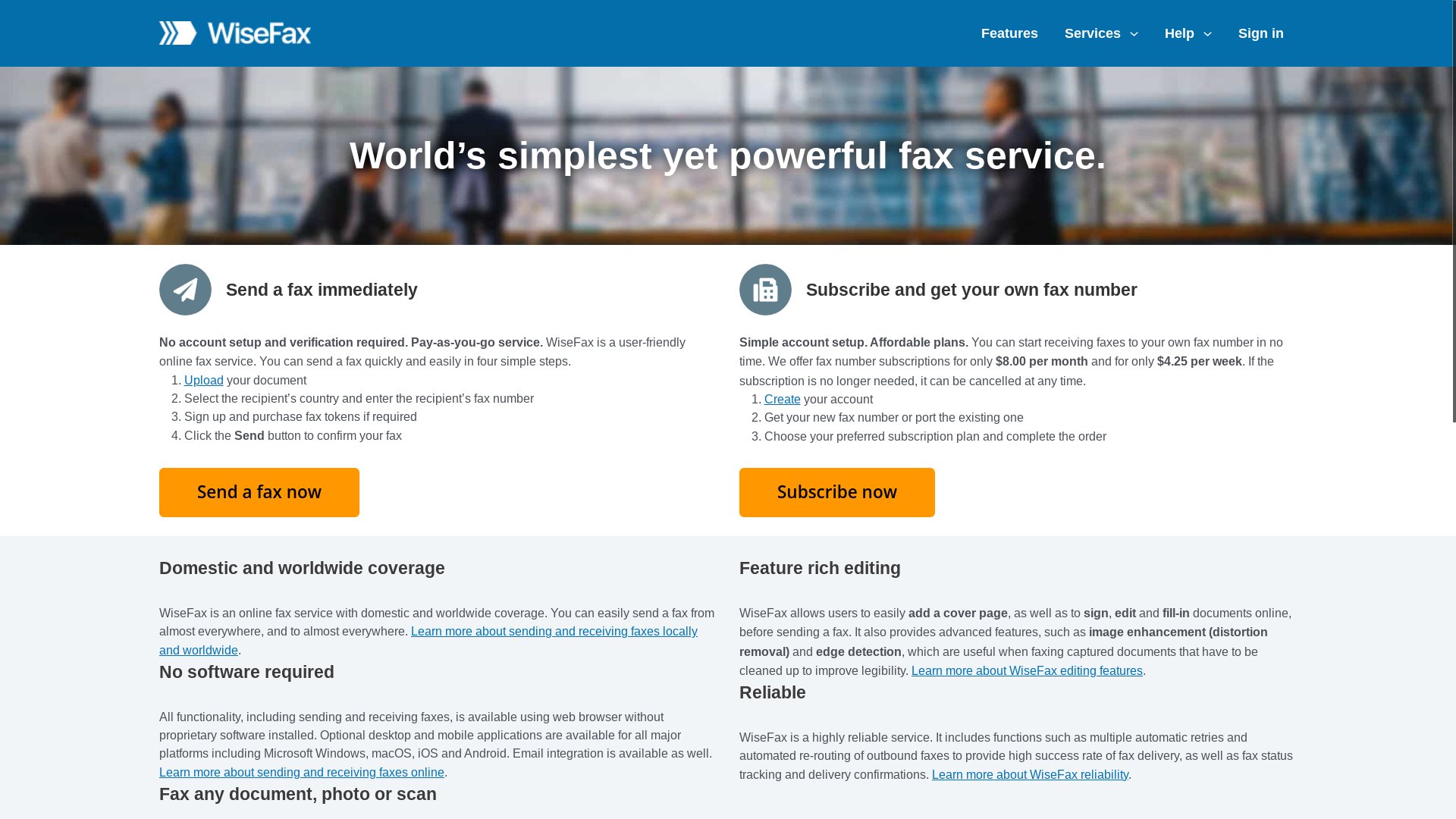
WiseFax is a pay-per-fax service built around a token system and a list of cloud and productivity integrations. You sign in (or use a social login), buy a small token package, and send a fax that gets debited against your balance. It supports a wide range of file formats, has browser extensions for Chrome and Edge, and ties into Google Drive, Dropbox, Box, Google Docs, Microsoft Office 365, and Gmail.
For users who already live inside one of those cloud ecosystems and send faxes often enough to think in token packs, that mix can work well. For everyone else, the prepay and account-login model can feel heavier than the fax actually warrants. PayPerFax is the most common no-login, no-prepay WiseFax alternative. This article walks through both so you can pick the right one for the fax in front of you.
When WiseFax is the right choice
WiseFax is designed around a regular sender who wants tight integration with cloud storage and is comfortable buying credits up front.
WiseFax makes sense if you:
- Send faxes from Box or Microsoft Office 365 on a regular basis (PayPerFax has its own native integrations for Google Drive and Dropbox, so those are not WiseFax-only)
- Want a native “Send to WiseFax” menu item inside those services
- Are happy to sign in with Google or another social account
- Do not mind pre-buying token packs and tracking a balance
- Send to a wide range of countries and want a single global rate
If that profile fits, the token economics can be reasonable, and the cloud integrations remove a couple of clicks from each send.
What WiseFax actually offers
- Pricing model: Pay-per-fax token system. You buy a token pack (smallest packs cover a handful of pages), then each fax debits tokens based on destination and page count. International destinations cost more tokens.
- Cloud and productivity integrations: Google Drive, Dropbox, Box, Google Docs, Microsoft Office 365, and Gmail.
- Browser extensions: Chrome and Edge extensions add a “Send by fax” option inside Gmail and other web apps.
- File-format support: PDF, DOC, DOCX, XLS, XLSX, PPT, PPTX, JPG, PNG, TIFF, plus Apple iWork and OpenDocument formats.
- International coverage: Wide country list. Token cost per page varies by destination.
- Document tools: Light in-browser editing, contrast adjustment, and edge detection for scanned pages.
- Account required: Yes, either by email signup or social login.
Where WiseFax stops making sense
The features WiseFax leans on are also where most senders run into friction with it.
The token system rewards heavy use, not occasional use
Tokens are bought in packs, and the smallest pack still pre-pays for more pages than a one-off sender will use. If you fax once or twice a year, you end up sitting on unused token balance, or coming back later to find the pack rules have shifted. For genuinely occasional senders, prepay is the wrong shape.
You have to sign in
Even for one fax, WiseFax expects an account. Social logins help, but they still tie the fax to an identity and to the cloud services you connect. If your goal is to send a single fax with as little setup as possible, the login step is friction you do not need.
Per-page cost depends on destination tier
International faxes draw down more tokens than domestic ones, and the per-page math is not always obvious before you commit. The token system trades a single transparent dollar number for a destination-by-destination conversion you have to work out.
The cloud integrations only matter if you use them
WiseFax’s standout pitch is its cloud-integration list. Google Drive and Dropbox are also covered by PayPerFax (via the Google Workspace Marketplace and Dropbox OAuth), so the WiseFax-exclusive integrations come down to Box and Microsoft Office 365. If you fax weekly from one of those, that matters. If your document is already on your computer, in Drive, or in Dropbox, the integration adds nothing, and the rest of the WiseFax flow still carries the prepay-and-login overhead of any account-based service.
No live progress tracking
Once you send, WiseFax confirms by email. There is no live status screen you can leave open to watch the fax connect and complete. For senders who like to know in real time whether the fax has actually gone through, this is a step backward from services that show live transmission status.
PayPerFax: the no-token, no-login alternative
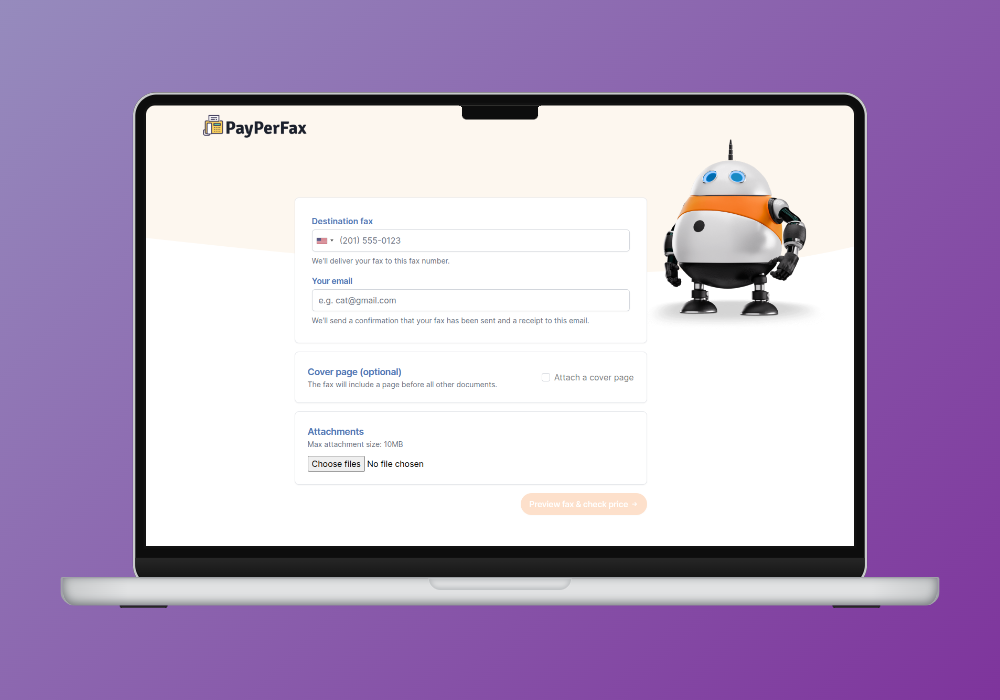
PayPerFax is a pay-as-you-go online fax service. You upload a document, enter a fax number, pay $2 for the first 3 pages (then $0.75 for each additional page) on the spot, and send. There is no account to create, no token pack to buy, and no subscription to manage.
The points that matter most when comparing PayPerFax to WiseFax:
You pay per fax, not per token pack. $2 for the first 3 pages, then $0.75 for each additional page, charged on send. There is no balance to top up and no leftover credit to lose track of. If you only send one fax, you only pay for one fax.
You only pay when the fax delivers. If the recipient line is busy or unreachable, you pay nothing. The charge fires on successful delivery, which removes the risk of paying for a token-debit on a transmission that never landed.
No account, no login. You do not need a Google account, a Dropbox account, or even a PayPerFax account. Upload, pay, send. The whole flow is anonymous up to the payment step.
No cover-page ads. PayPerFax does not add anything to the cover page. The document you send is the document the recipient sees.
Live fax tracking. PayPerFax shows live transmission status on screen or through a browser extension, so you can confirm delivery as it happens rather than waiting for an email later.
Mobile-friendly. The whole flow works from a phone browser, top to bottom. No app, no extension required.
International coverage to 130 countries. Per-page pricing is shown up front for each destination, so you can see the total before you hit send.
Native Google Drive and Dropbox integrations. Right-click any PDF, DOC, DOCX, JPG, or TIF file in Google Drive or Dropbox and send it as a fax in seconds. Install once via the Google Workspace Marketplace or Dropbox OAuth – no per-fax login after that.
Prepared by your AI assistant. The PayPerFax API lets ChatGPT, Claude, Gemini or a coding agent draft the cover letter or pick up a file for you and hand you a preview link. You check it and pay in the browser; the assistant never signs you up for anything.
Highest-rated pay-as-you-go fax service. PayPerFax is the top-rated pay-per-use fax service by user reviews.
What PayPerFax does not do is worth saying too:
- No native menu item inside Box or Microsoft Office 365. PayPerFax covers Google Drive and Dropbox, but not the rest of WiseFax’s integration list. If you fax weekly from Box or Office 365 and the in-app menu item is your main reason for using WiseFax, PayPerFax does not replicate that workflow.
- No incoming fax number. PayPerFax is send-only. If you need a number that others can fax to, you need a subscription service.
WiseFax vs PayPerFax at a glance
| Comparison point | WiseFax | PayPerFax |
|---|---|---|
| Pricing model | Token packs (prepay) | $2 for the first 3 pages, then $0.75 per page |
| Account required | Yes (email or social) | No |
| Cloud integrations | Google Drive, Dropbox, Box, Microsoft Office 365 | Google Drive, Dropbox |
| Browser extension | Chrome, Edge | Optional (status tracking) |
| Cover-page ads | No | No |
| International destinations | Wide list, variable token cost | 130+ countries, transparent per-page |
| Live transmission status | Email confirmation only | Live status on screen |
| Charges for failed faxes | Tokens may be debited | Free, only delivered faxes are billed |
| Cancellation | Nothing to cancel | Nothing to cancel |
| Works with AI assistants | No – no API or assistant integration on the WiseFax site | Yes – HTTP API and MCP server, usable from chat apps and coding agents |
Which one should you choose?
The decision splits cleanly.
WiseFax is the better fit if:
- You fax from Box or Microsoft Office 365 on a regular basis (Google Drive and Dropbox are covered by PayPerFax too)
- The in-app “send by fax” menu item inside one of those services saves you real time each week
- You are comfortable buying a token pack and tracking a balance
- You want one tool that covers cloud storage, light editing, and faxing in one place
PayPerFax is the better fit if:
- You only fax occasionally and prepaying for tokens does not make sense
- You do not want to create an account or sign in for one-off faxes
- The document is on your computer, in Google Drive, or in Dropbox (PayPerFax covers all three)
- You want to see live status as the fax transmits
- You only want to pay when the fax actually delivers
- The destination is international and you want a clear per-page price before hitting send
Neither service is strictly better. WiseFax is the right tool for a sender who lives inside Box or Microsoft Office 365 and faxes often. For everyone else in the pay-as-you-go space – including Google Drive and Dropbox users – PayPerFax is the right tool.
Other WiseFax alternatives
If you are shopping the broader market, the other realistic options split into pay-as-you-go and subscription:
- FaxZero offers a free domestic tier (3 pages, US/Canada) with cover-page ads. Right for one-off personal faxes that fit the cap.
- eFax is the largest subscription provider. Plans start around $14.99/month and include an incoming fax number.
- RingCentral Fax bundles fax with a full business phone system. Right for offices, overkill for one-off senders.
- HumbleFax is a smaller subscription with pooled inbound and outbound page allowances.
- MyFax and MetroFax are subscription services priced in the same broad bucket as eFax – a monthly fee with bundled allotments and overage fees on top.
- Dropbox Fax (the rebrand of HelloFax) advertises a free page, but that page is once per Dropbox account – not a free tier. After that, faxing rolls into a Dropbox plan.
The pattern: every subscription service has a monthly fee that does not go away whether you fax or not. If you fax fewer than around 12 pages per month, a pay-as-you-go option (PayPerFax) is cheaper than any of these. If you fax much more than that and need an incoming number, a subscription starts to make sense.
Sending a fax without a token pack
If you need to send a fax right now and WiseFax’s token system, account requirement, or cloud-integration friction are getting in the way, you can do it at payperfax.com without creating an account. Upload the document, enter the fax number, and send. The charge ($2 for the first 3 pages, then $0.75 per additional page) applies only if the fax delivers. For more on how this works, see our guide to sending a one-time fax online.